Deep dive
Hermes Agent Full Course for Beginners: VPS, Memory, Skills & Soul
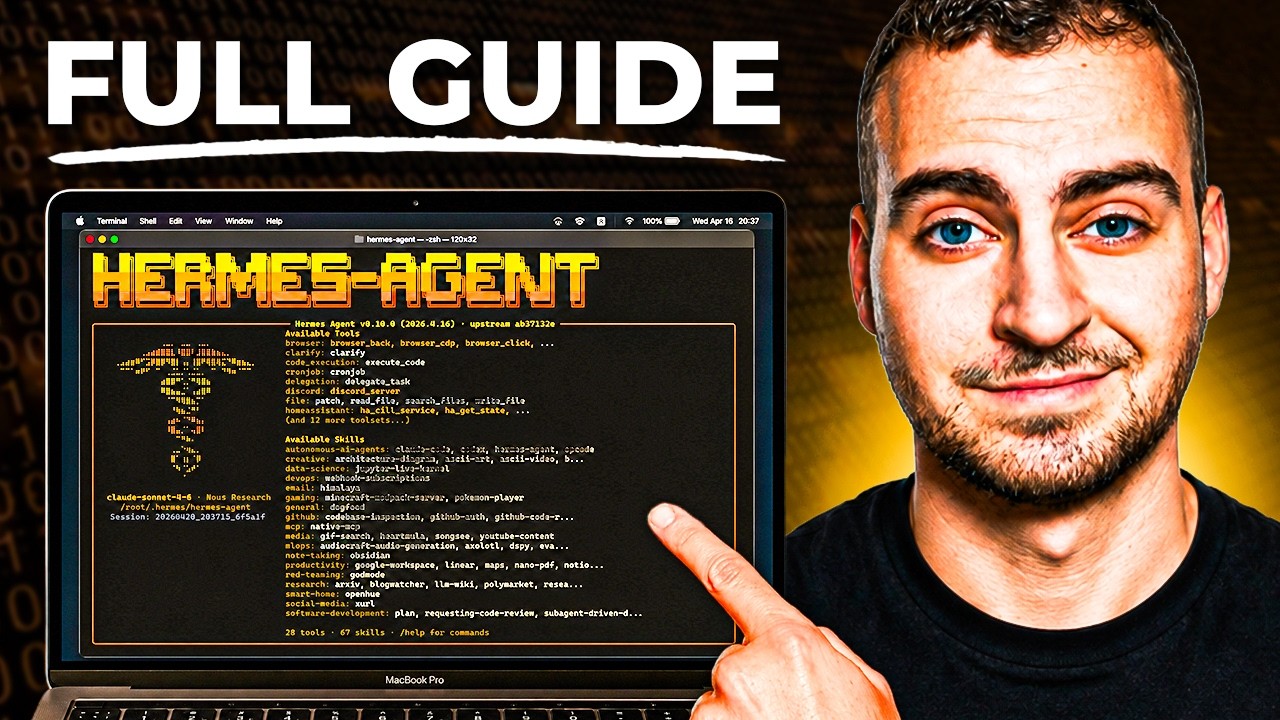
Tech With Tim walks through a complete beginner's guide to Hermes Agent — from core concepts to VPS deployment and practical use cases. The video covers all five key components (memory, skills, soul, crons, and self-improvement loop), how Hermes differs from OpenClaw, and why running it on a VPS enables 24/7 autonomous operation without physical hardware. No coding experience required.
"Hermes Agent - Full Course & Setup Guide - For COMPLETE Beginners" by Tech With Tim — Watch on YouTube →
Step-by-Step Breakdown
-
Understand what Hermes Agent is
Hermes is a personal AI assistant framework that wraps around any LLM (Claude Opus 4.8, GPT-5.5, Minimax, etc.). It manages context, provides tools (browser, code execution, file access), and stores persistent memory. Unlike OpenClaw, Hermes includes a self-learning loop that improves over time. Best use case: multi-task personal assistants running 24/7. For single-workflow automation, OpenClaw or Claude Code are better fits.
-
Set up on a Virtual Private Server (VPS)
Install Hermes Agent on a VPS so it runs 24/7 without needing physical hardware plugged in. After installation you get a directory structure with markdown files, configuration values, environment variables (for API keys and secrets), and a memory folder. You don't need to write code — Hermes handles its own configuration through conversation.
-
Understand the memory system (user.md and memory.mmd)
Hermes auto-creates two core memory files:
user.mdstores personal information about you — name, location, preferences, work style.memory.mmdstores long-term facts the agent should always know — active projects, important context, recurring patterns. Both files are updated automatically as you interact; you don't need to touch them directly. Additional memory files are created automatically over time. -
Learn about Skills (90 built-in + 500+ community)
Skills are markdown files that describe repeatable workflows — for example, an email skill that outlines exactly how to check, triage, and draft email replies. Hermes ships with 90 built-in skills and 500+ community-contributed skills you can install. You can also write custom skills. Skills use progressive disclosure: only the name and description load into context at startup; the full instructions load only when the agent actually needs to use that skill, keeping token use low.
-
Configure your Soul (personality file)
The soul is a markdown file describing how you want your agent to behave — tone (warm, direct, formal), style (uses emojis or not), persona, communication preferences. You don't need to write this file manually: just tell your agent what to change ("Adjust your soul to be more concise") and it updates the file itself.
-
Set up Crons (scheduled automated tasks)
Crons let you schedule workflows that run automatically on a timer — a morning brief at 8am, a daily email digest, a weekly summary. Once configured, they run without you needing to trigger them. This is how Hermes operates truly autonomously in the background.
-
Enable the self-improvement loop
The self-improvement loop is Hermes's key differentiator. The more you use it, the more it learns about you — it continuously builds out
user.mdandmemory.mmd, identifies patterns in how you work, and adjusts its responses accordingly. Over weeks of use, responses become significantly more personalized and accurate compared to a fresh agent session.
Memory File Templates (from video)
These files are auto-populated by Hermes as you interact. The structure below shows what they look like after initial use. Adapt to your context — Hermes writes these for you, but understanding the structure helps you guide it.
# user.md — Who you are (auto-populated by Hermes)

## Profile
- Name: [Your Name]
- Location: [Your location / timezone]
- Role: [What you do]

## Preferences
- Communication style: [e.g., direct, brief responses]
- Working hours: [Your schedule]
- Tools you use: [IDE, OS, apps]
# memory.mmd — Long-term facts (auto-populated by Hermes)
## Active Projects
- [Current projects you're working on]
## Important Facts
- [Key context the agent should always have]
## Recurring Tasks
- [Regular workflows and their schedules]Gotchas & Caveats
- Hermes is NOT a single-automation tool. For one specific workflow, OpenClaw or Claude Code is simpler and cheaper. Hermes shines when you want a multi-task assistant running continuously.
- You don't need to manually edit config files or write code — but understanding the directory structure (especially the memory folder) helps you know what the agent is learning about you.
- The self-learning loop requires consistent use to build up useful context. Give it a week of regular interaction before judging quality.
Key Takeaways
- Hermes runs 24/7 on a VPS — no physical hardware needed, always available even when you're offline or asleep.
- The self-learning loop is Hermes's core differentiator from OpenClaw: it gets genuinely better at your specific tasks the more you use it.
- 90 built-in skills + 500+ community skills + custom skills; progressive disclosure keeps token costs low by only loading full skill instructions on demand.
- Works with any LLM: OpenAI, Anthropic (Claude), Minimax, or any OpenRouter-compatible model — swap models without rebuilding your setup.
- No coding required — you can manage everything through plain-language conversation including updating the soul file and creating custom skills.
More Hermes news
 Running a Hermes agent in a real business: permissioning, skills and the trust ladder
 Hermes /loop: recurring agent wake-ups with real stop conditions
 Grok Bot setup: give each bot its own email instead of sharing your accounts
 DeepSeek V4 Pro 0813 driving Hermes agent: agentic benchmarks jump, cost stays low
 Nemotron 3.5 Lightning on vLLM: the Mamba flags for a local agent execution model
 Prime Agent vs Hermes: Self-Writing Notebook vs Shared Vault