Published: 2026-06-30
 Codex browser and computer use: saving flows as skills you can schedule
 Same prompt, three harnesses: a Claude vs Grok vs Codex writing test (hands-on comparison, not a how-to)
 Progressive context shaping: steering agent runs that last ten hours
 Prime Agent: The Terminal Agent That Rewrites Its Own Harness
 Agent Plugins: A Vendor-Neutral Package Format for Skills and MCP Servers
 Why You Hit Token Limits: 15 Rules for Claude, Codex and ChatGPT
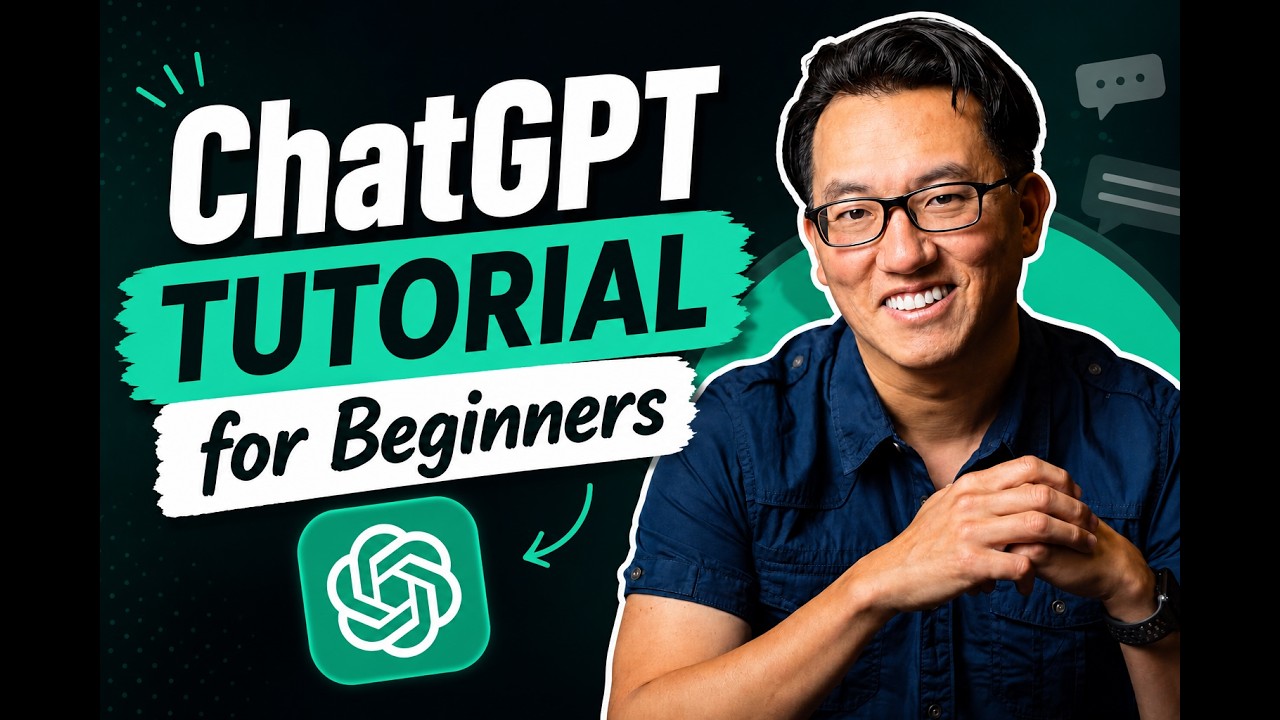
ChatGPT Tutorial for Beginners: Get Real Work Done, Not Just Chat
Chapters / key moments (click to jump — plays here on the page)
A beginner-friendly walkthrough (from the Kevin Stratvert channel, in partnership with Zapier) of using ChatGPT for actual work rather than one-off questions: drafting and refining emails, summarizing long files, researching and comparing options with web search, and generating structured plans from scratch. It closes with three paid features worth knowing — Projects for persistent context, Zapier connections to your live apps, and cross-chat Memory. Most of the core workflow runs on the free plan.
Source video
"ChatGPT Tutorial for Beginners: How to Actually Get Work Done" by Kevin Stratvert — Watch on YouTube →
Key Takeaways
- Treat ChatGPT as a collaborator, not a search engine — the best results come from a back-and-forth (e.g. "make this warmer and more conversational"), not from trying to write one perfect prompt.
- Upload files — PDFs, Word docs, spreadsheets, presentations — and ask ChatGPT to summarize, answer specific questions, and surface "insights I might be missing," with citations back to the document.
- For research, add a second sentence telling it what matters (ease of use, pricing, collaboration); ask it to search the web when you need current pricing or facts past its knowledge cutoff, and click the cited sources to verify.
- Generate first drafts of structured documents — 90-day marketing plans, timelines, content calendars — then expand sections on request. Always review and edit before sending; it can and does make mistakes.
- Three paid features to know: Projects keep files and chats together so you don't re-explain context; Zapier connects ChatGPT to live apps (Gmail, Calendar, Drive, Slack, Notion); and Memory carries your preferences across all conversations.
More ChatGPT news
Codex browser and computer use: saving flows as skills you can schedule
Same prompt, three harnesses: a Claude vs Grok vs Codex writing test (hands-on comparison, not a how-to)
Progressive context shaping: steering agent runs that last ten hours
Prime Agent: The Terminal Agent That Rewrites Its Own Harness
Agent Plugins: A Vendor-Neutral Package Format for Skills and MCP Servers
Why You Hit Token Limits: 15 Rules for Claude, Codex and ChatGPT