Summary
Hermes Agent on a Mac mini with a local model: LM Studio, Honcho memory, Brave Search, Telegram and a 9 a.m. scheduled job
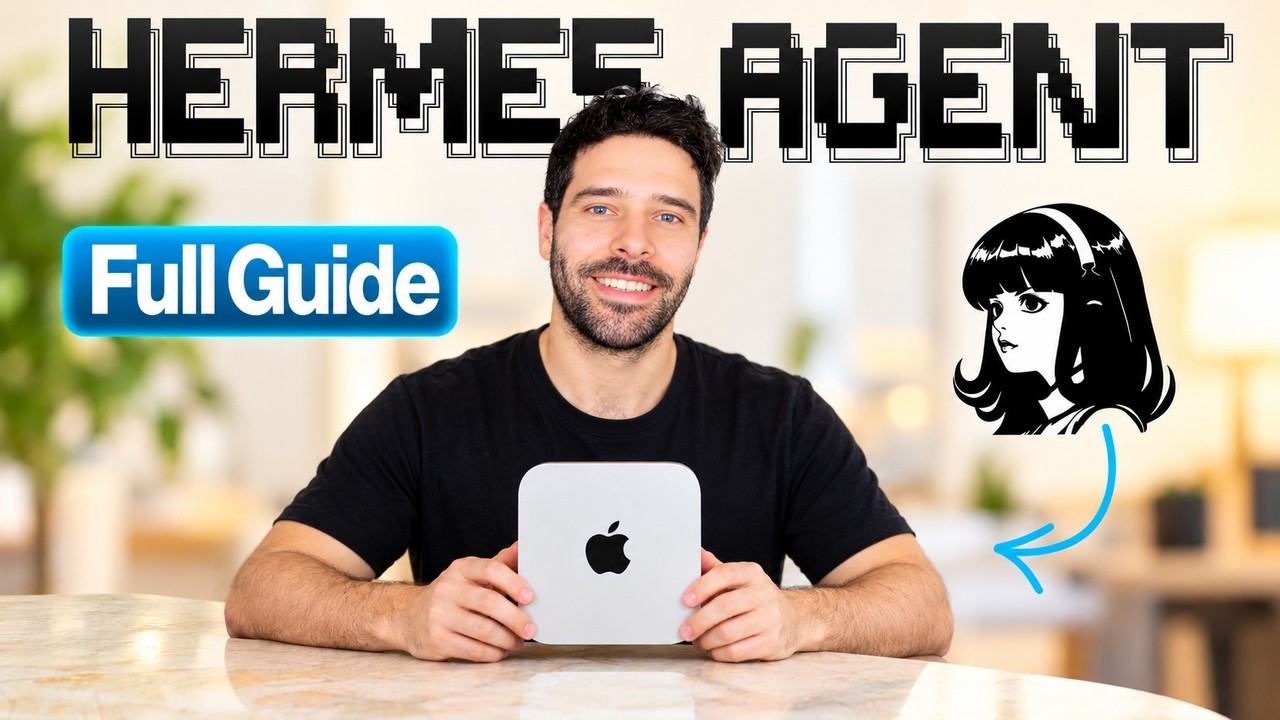
Bart Slodyczka builds a private, always-on Hermes Agent end to end on a 16 GB Mac mini: install with the macOS app, point it at a local model served by LM Studio, add shared memory and web search, connect Telegram and give it a scheduled task. Each stage is a specific setting, so this page keeps the order and the values, and marks which ones the Hermes documentation confirms.
"Hermes Agent Fundamentals In 20 Minutes (No Code)" by Bart Slodyczka — Watch on YouTube → The video includes plugs for his community and a referral link; neither is part of the setup.
Step by step
- Install. Download the Hermes macOS app, drag it to Applications and run the installer (5 to 10 minutes). A terminal one-line install gets the same result; he shows the app.
- Serve a local model with LM Studio. LM Studio is a free desktop app with no sign-in. In Settings, Developer, switch Developer mode on. Download a model; for Apple Silicon choose an MLX build. His pick was Gemma 4 12B at 4-bit, 6.77 GB, which fits a 16 GB machine with about 12 GB usable. Turn on "manually choose the model parameters" and set the context to at least 64,000 tokens before loading (he says Hermes errors below that). Then load it.
- Point Hermes at it. Copy the URL from LM Studio's Developer page, add
/v1at the end because Hermes uses OpenAI-compatible endpoints, paste it into Hermes Settings as a new provider, name it, press test, then save. The first message is slow while the model loads. - Memory. He swaps the default memory for Honcho because one shared memory can feed Claude Code, Codex and Hermes, and because it reasons over memories to draw conclusions about you. Use the commands from the Hermes install guide in a terminal, or ask the agent to install it; choose cloud with OAuth (a self-hosting route exists) and accept the defaults.
- Web search. In Capabilities, Tools, web, enable Brave Search and add an API key. He says the free tier gives $5 of credit a month, about 1,000 queries.
- Telegram. In Settings, Messaging, choose Telegram. In Telegram, message BotFather, send
/newbot, give a name ending in "bot", and copy the token into Hermes. Add your numeric user ID, found by messaging a user-info bot, as the allowed user. Enable the channel, save and restart the gateway. Then send "hi" and set that chat as the home channel. - A scheduled task. From Telegram, ask for a daily cron job that sends the latest AI news. His 12B model first wandered into unrelated setup steps until he reminded it that it was already inside Telegram; the schedule ended up at 9 a.m. daily.
- Keep the Mac awake. Disable sleep so the agent and LM Studio keep running, and set Hermes to start when the Mac boots. He gives two terminal commands in his pinned comment; we didn't see them on screen.
What the Hermes docs confirm
The Telegram guide matches the steps above: /newbot via BotFather gives the token, which goes in ~/.hermes/.env as TELEGRAM_BOT_TOKEN; TELEGRAM_ALLOWED_USERS takes numeric IDs; hermes gateway setup runs a wizard that asks for both; /sethome (or TELEGRAM_HOME_CHANNEL) sets where scheduled-task results are delivered. It adds that if TELEGRAM_ALLOWED_USERS is unset the gateway blocks all users by default. We couldn't find the 64,000-token minimum context or the Brave Search and Honcho settings in the documentation pages we read, so treat those as his experience and check the docs for your version. Hermes v0.22 also added built-in local models through llama.cpp, so LM Studio is now one option rather than the only route (see our v0.22 summary).
Gotchas & Caveats
- Small models wander. A 12B model on the smallest Mac mini needed reminding of its own context. He suggests setting things up with a larger free-tier model and running routine tasks locally.
- Always set the allowed user ID. It is the access control for an agent that can act on your machine.
- Honcho in the cloud sends your memory data to a service; the self-hosted route keeps it on your machine.
- Telegram counts each message as a separate request, so Hermes replies "I'm already working" if you send several in a row and handles the next when the first finishes.
Key Takeaways
- Local model plus Hermes means: LM Studio developer mode, 64K+ context, the
/v1URL, test, save. - Telegram needs a BotFather token and your own numeric ID in the allowed list.
- A Mac mini only runs 24/7 if you turn off sleep and auto-start the agent.
More Hermes news
 Hermes Agent v0.22, the Threshold release: one-click local models, a first-launch setup chat, connectors and password-manager logins
 Hermes Agent and StepFun's Step 5 Preview: what is claimed, what is listed, and what we could not confirm
 Perplexity fast search in Hermes: who gets it, and the old setting that silently blocks it
 Hermes desktop's new features, verified: Bot Mode, HUD, voice, "Hey Hermes" and cron continuity
 Hermes computer-use: giving each agent its own Linux desktop in a container
 Serena as an MCP server for Hermes: LSP-powered find-references and safe renames