Published: 2026-11-10
Summary
 Crouton Alpha, a free stealth model, tested in Hermes: a three-task work order split across sub-agents, then vision, science and translation checks
 Sage A1.5 in Hermes Agent: a 35B open model run locally with llama.cpp, tested on a Jupiter flyby and parallel sub-agents
 Hermes Agent end to end: a VPS install, Hermes Desktop on a remote gateway, memory and SOUL.md, skills, and Bot Mode with group chats
 Hermes Advanced Delegation: send each subagent to a different model or profile with hermes delegation config
 The official Meshy plugin for Hermes: text and image to 3D models, the 200-credit chat cap, and what it sends to Meshy
 Local AI on a new Mac from scratch: size the model to your RAM, serve it with LM Studio, point Hermes at it
Summary
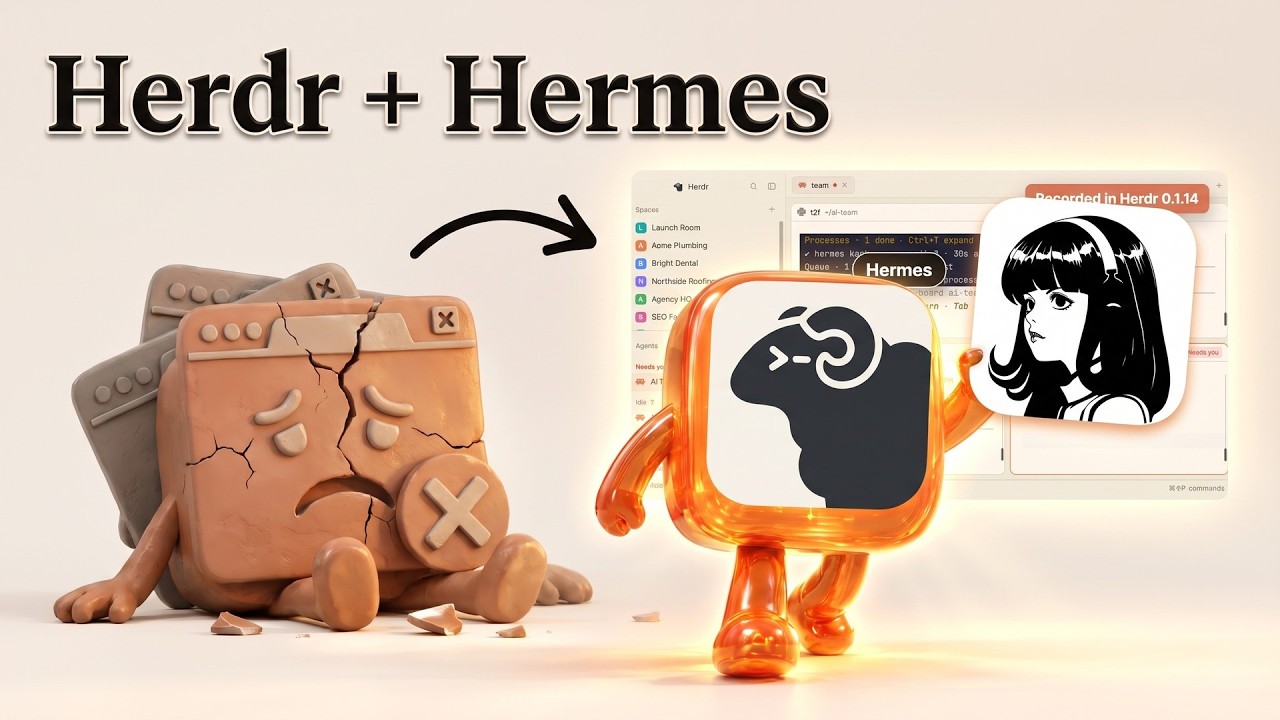
Hermes as team lead over three Claude Code helpers in Herdr: a playbook, a Kanban board, a read-only checker and needs-you alerts
Chapters / key moments (click to jump — plays here on the page)
The idea: Hermes Agent is the boss, Herdr is the office. Hermes starts three Claude Code helpers in separate panes, hands them jobs through a Kanban board, and Herdr tells you when one finishes or is blocked. The setup is simple enough to rebuild, and the video also promotes a paid community.
Source video
"Herdr + Hermes Agent: My Whole AI Team in One Screen" by Julian Goldie SEO — Watch on YouTube → The creator sells a community and the playbook and helper templates sit behind it; nothing below depends on that. Names are spelled inconsistently in the captions (Herdr, Herder).
The setup, in order
- Install Herdr, a free, open-source app for running AI agents side by side in panes with a sidebar that shows who is working, blocked or done. The video says it runs on Mac, Windows and Linux and gives a one-line installer on the project's site; a search found the open-source project at github.com/ogulcancelik/herdr, and descriptions of it as a Rust terminal multiplexer, but we have not verified the installer, the site address or the licence (sources disagree between AGPL-3.0 and Apache 2.0).
- Install Hermes Agent with its one-line command, then create the board. Per the Hermes Kanban documentation,
hermes kanban initcreates the board database (once),hermes gateway starthosts the dispatcher that runs ready tasks, andhermes dashboardopens the visual board. The video says he runs Hermes Kanban; the docs also listhermes kanban create "<task>" --assignee <name>,list,watchandstats. - Make a space with four panes: Hermes as team lead in the first, and three Claude Code helpers named scout, writer and checker, each a real terminal with one job. Herdr keeps them alive in the background if you close the window.
- Give Hermes a one-page playbook in plain English. His rules: you are the team lead and never do the work yourself; put three cards on the board; start the scout, wait for its report, then the writer, then the checker.
- Add the helper templates. Each is a small file naming the helper, the program to run and its job. Hermes starts a helper with a command he writes as "HC run" followed by the helper name and its job, and the checker sends notes to the writer with "HC send" followed by the writer's name and the note. These helper commands are as dictated in the captions and could not be confirmed in Herdr's public descriptions.
- Turn on alerts in Herdr's settings: different sounds and pop-ups for done and blocked.
- Give the order in one sentence, spoken to his voice front end for Hermes: "find today's topic and write the page".
What the team did
- Scout. Ran his content-ideas skill: five searches, 40 recent videos read and 74 questions found, each scored out of 100. The winner scored 92.
- Writer. Ran his page-writing skill: a direct answer in the first 50 words, five steps and four common questions, published to a local test site and added to the sitemap. The page was 394 words.
- Checker. Set to read and send notes only, and to ask before running commands on purpose. It sent three fixes straight to the writer, each a claim the page could not back up, and the writer republished.
- Board and alerts. Cards moved from working to done as helpers reported back. When the checker needed his go-ahead, Herdr marked it "needs you" in red on the sidebar, the tab and the pane, and one keypress let it continue.
Caveats
- Promotional video for a paid community; the playbook, templates and skills are not shown in full, so you would write your own.
- The test site was local. Pointing a page-publishing helper at a real site before you trust its output is a risk the creator flags himself.
- His claims that this is the newest Herdr release (8 November) and that nobody has shown Hermes running a team before are unverified.
- Keep helpers least-privileged: the read-only checker is the sensible pattern to copy, and Claude Code's permission modes are covered in our Claude Code pages.
More Hermes news
Crouton Alpha, a free stealth model, tested in Hermes: a three-task work order split across sub-agents, then vision, science and translation checks
Sage A1.5 in Hermes Agent: a 35B open model run locally with llama.cpp, tested on a Jupiter flyby and parallel sub-agents
Hermes Agent end to end: a VPS install, Hermes Desktop on a remote gateway, memory and SOUL.md, skills, and Bot Mode with group chats
Hermes Advanced Delegation: send each subagent to a different model or profile with hermes delegation config
The official Meshy plugin for Hermes: text and image to 3D models, the 200-credit chat cap, and what it sends to Meshy
Local AI on a new Mac from scratch: size the model to your RAM, serve it with LM Studio, point Hermes at it