Hermes Automates 15 Social Platforms: Zo MCP Full Setup Guide
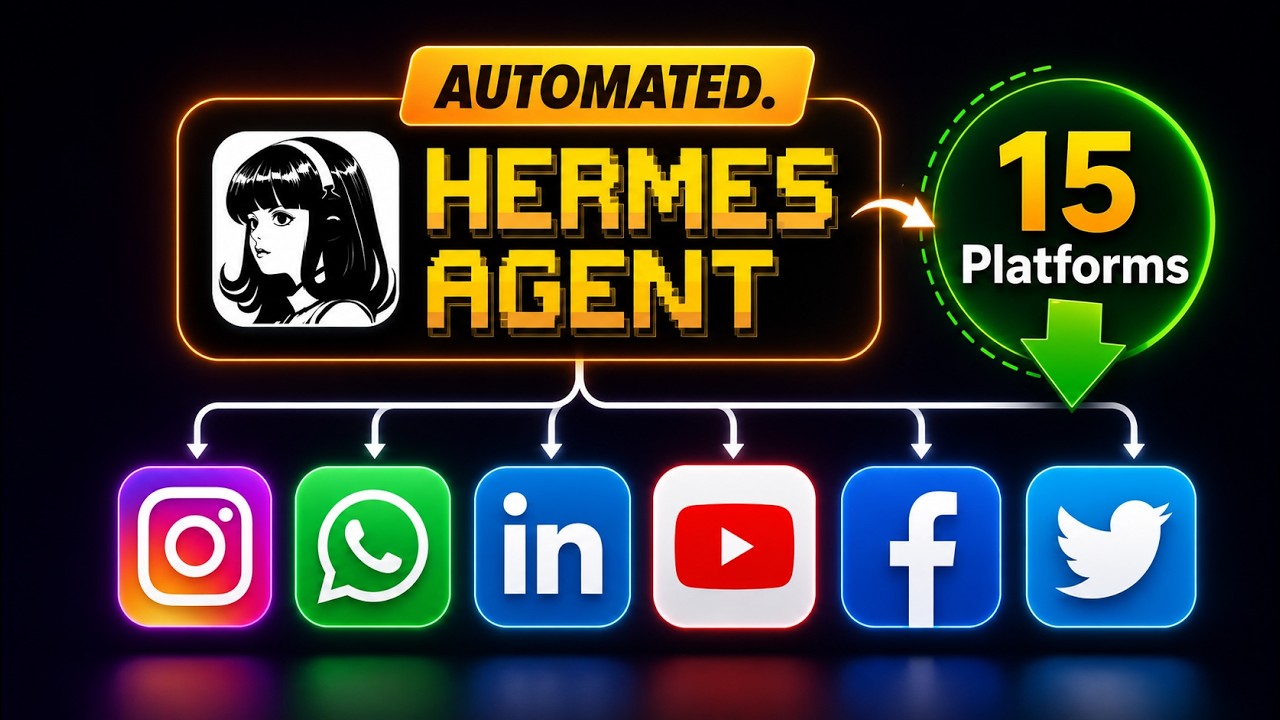
FuturMinds demonstrates a complete setup for running an entire social media operation with Hermes agent using the Zo MCP integration. One MCP gives Hermes access to 280+ tools across 15 platforms — Instagram, Twitter, LinkedIn, WhatsApp, TikTok, and more — all controlled from Telegram, with automated posting, comment replies, DM qualification, and daily analytics via cron job.
"Hermes Agent Runs My Entire Social Media (15 Platforms)" by FuturMinds — Watch on YouTube →
Key Takeaways
- The Zo MCP connects Hermes to 15 social platforms (Instagram, Twitter, LinkedIn, WhatsApp, TikTok, YouTube, and more) through a single integration with 280+ available tools.
- Hermes can research pain points, generate platform-specific posts with AI-generated images, and schedule an entire week of content from a single Telegram prompt.
- A webhook script enables real-time comment replies and DM automation — Hermes detects new comments and automatically sends follow-up DMs to engage leads.
- WhatsApp Business integration lets Hermes qualify clients autonomously, asking the right questions and booking meetings without human involvement.
- A daily cron job runs Hermes each morning to analyze post performance and adapt future content strategy based on what worked.
What Is Zo MCP?
Zo (docs.zo.com) is a social media API that unifies 15 platforms into one integration. Instead of maintaining separate API connections for each network, you configure Zo once and get access to publishing, scheduling, DMs, comment management, analytics, and inbox across all connected platforms.
The Zo MCP exposes these capabilities as tools that Hermes can call directly. Zo generates an API key you drop into the Hermes MCP setup — after that, Hermes can take actions on any connected platform without additional configuration.
Setup Steps
- Install Hermes and configure Telegram: Run
hermes setup, set your LLM, then connect a Telegram bot via BotFather token and your user ID from@userinfobot. - Enable image generation: In
configure CLI, toggle image generation on so Hermes can create custom images for posts using OpenAI or another provider. - Add Zo MCP: Copy the MCP config from docs.zo.com/mcp, paste it into Hermes chat, add your Zo API key, and Hermes installs it automatically.
- Set up the webhook: Run the
setup_zero_webhook.shscript on your VPS, copy the webhook URL and signing secret into the Zo dashboard, and select the message_received and comment_received events. - Give Hermes business context: Paste a context document covering your business, communication style per platform, and escalation rules into Telegram. Hermes saves it and applies it to all future interactions.
- Create a Social Media Manager skill: Ask Hermes to create a skill with rules for when to reply publicly, when to DM, and when to escalate to you.
hermes setup
# Set up Telegram bot token and allowed user IDs
# Enable image generation in configure CLI
# Paste Zo MCP config into Hermes chat with your API key
Live Demo Results
In the video, FuturMinds runs four live demonstrations:
- Content creation: Hermes researches 5 pain points for an AI automation business, writes Instagram and Twitter posts with custom images for each, and schedules a week of content — takes 10–15 minutes end to end.
- Comment automation: A test comment on an Instagram post triggers an automatic public reply within seconds, followed by a DM to start a qualification conversation.
- WhatsApp lead qualification: A message to the WhatsApp Business number is handled entirely by Hermes — it asks qualification questions and offers to book a meeting.
- Daily analytics: A morning cron job runs Hermes to analyze post performance across platforms and update its content strategy based on what resonated with the audience.
Requirements
- Hermes agent installed on a VPS (Hostinger or equivalent)
- Zo account with Instagram, Twitter, and/or WhatsApp connected
- OpenAI API key (for image generation) or alternative image provider
- Telegram bot token and your numeric Telegram user ID
More Hermes news
 Running a Hermes agent in a real business: permissioning, skills and the trust ladder
 Hermes /loop: recurring agent wake-ups with real stop conditions
 Grok Bot setup: give each bot its own email instead of sharing your accounts
 DeepSeek V4 Pro 0813 driving Hermes agent: agentic benchmarks jump, cost stays low
 Nemotron 3.5 Lightning on vLLM: the Mamba flags for a local agent execution model
 Prime Agent vs Hermes: Self-Writing Notebook vs Shared Vault