Deep dive
How to Build Claude Code Subagents: YAML Front Matter, Custom Agents, Misfire Fixes
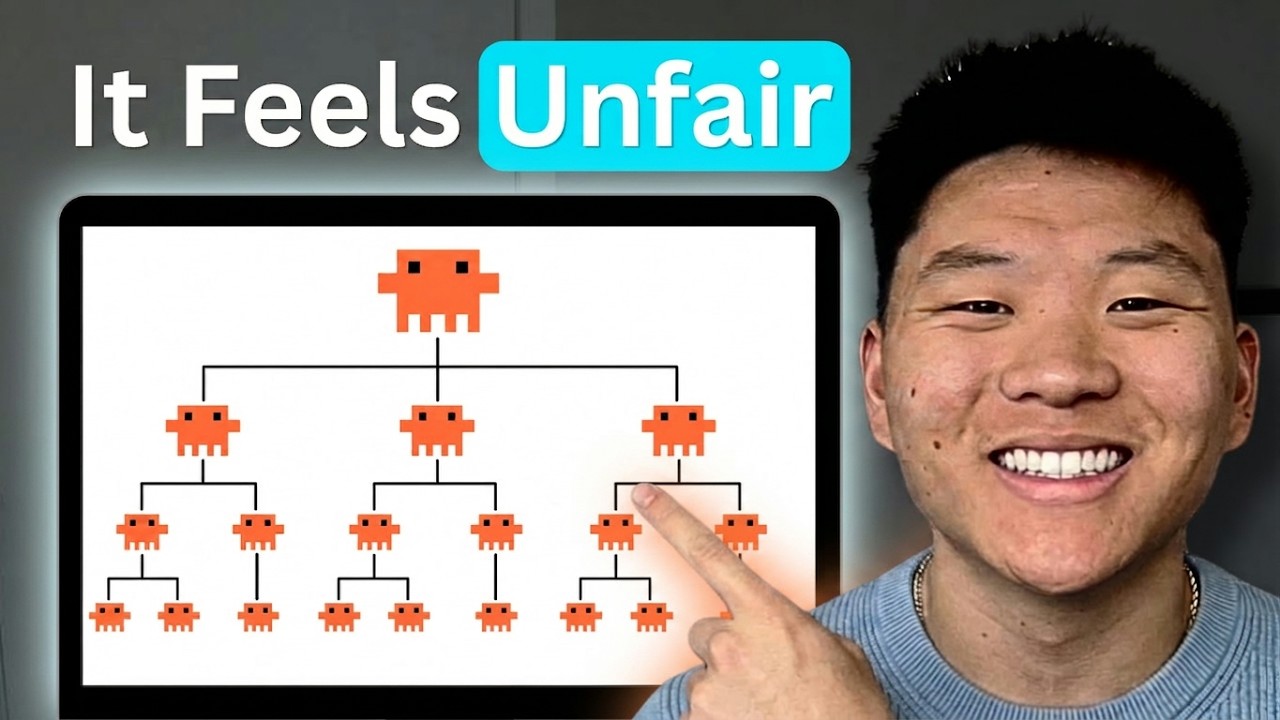
Nate Herk walks through the complete Claude Code subagent system — from the orchestrator–worker model to building your own custom agents from markdown files. Covers YAML front matter keys (name, description, model, color, tools, disallowed_tools, mcp_servers), how progressive disclosure triggers agents automatically, how to assign cheaper models to workers, and how to diagnose and fix misfires.
"How to Build Claude Subagents Better Than 99% of People" by Nate Herk — Watch on YouTube →
Step-by-Step Breakdown
-
Understand the orchestrator–worker model
Your main Claude Code session is the orchestrator. It delegates tasks to subagents that each start with a fresh, isolated context. This keeps your main context window clean and allows parallel execution. The main session sends a task to a subagent (e.g., "research Fireflies.ai") and the subagent reports back with results.
-
Understand the two subagent types
Built-in subagents are Claude Code's native general-purpose agents — they're invoked automatically for things like web research without you building anything. Custom subagents are markdown files you create in
.claude/agents/. Both types use the same YAML front-matter format and respond to progressive disclosure. -
Create your agent file in
.claude/agents/Each custom agent is a single
.mdfile. Technically it is the same format as a skill in.claude/skills/— the difference is location and intent. Name the file descriptively (e.g.,clickup-searcher.md). The YAML front matter goes at the top; the agent instructions go below it. -
Write the YAML front matter
The four most important fields are
name,description,model, andcolor. Thedescriptionis the trigger — Claude Code reads only the front matter when deciding whether to invoke the agent, so a precise description prevents misfires. Optional fields includetools(allowed tools list),disallowed_tools, andmcp_servers. -
Write the agent instructions
Below the front matter, write step-by-step instructions for what the agent should do when invoked. These are only loaded after the description triggers a match, so they can be verbose without wasting tokens on every request.
-
Test and tune the description for misfires
Invoke the agent naturally (e.g., "show me what the team committed this week"). If it doesn't fire, broaden the description to include more natural-language phrasings. If it fires when it shouldn't, narrow the description with more specific trigger conditions. Test iteratively — there's no shortcut.
-
Assign the right model per agent
You can set
model: claude-haiku-4-5-20251001for research or read-only subagents while running Opus in your main session. This cuts cost significantly on high-volume delegated tasks. Setdisallowed_tools: [Write, Edit]to enforce read-only behavior on agents that should never modify files.
Agent File Structure
YAML front matter keys
---
name: clickup-searcher
description: Search ClickUp for tasks, messages, and project status when asked
  about team work, commitments, weekly progress, or project updates
model: claude-haiku-4-5-20251001
color: green
tools: []
disallowed_tools: [Write, Edit, Bash]
---

Use the ClickUp MCP tools to search for the requested information.
Return a clear, structured summary of findings.
Do not modify any data — this agent is read-only.
Template adapted from the video. Adjust name, description, model, and instruction body for your use case. See the OpenClaw skills guide for the full front-matter reference.
Key YAML fields
name— how you reference the agent in conversation ("use the clickup-searcher agent…")description— the trigger; Claude reads this to decide whether to invoke. Be precise.model— model ID for this agent (can differ from your main session model)color— UI indicator color in the Claude Code session paneltools— explicit allowlist; empty list means all tools permitteddisallowed_tools— explicit denylist; useful for read-only agentsmcp_servers— limit which MCP servers this agent can use
Common Errors & Fixes Covered
Why it happens: The description field is too narrow or uses different phrasing from how you naturally ask for the task.
Fix: Edit the description to include more natural-language variations of the trigger. Add synonyms, alternate phrasings, and example situations where this agent applies.
Why it happens: Two agent descriptions overlap — Claude picks the wrong one, or one fires for unrelated requests.
Fix: Narrow the description to include specific conditions. If two agents have similar domains, add explicit "do NOT invoke for X" language in the description of the one that should be narrower.
Why it happens: No tool restrictions set — the agent inherits all tools from the main session.
Fix: Add disallowed_tools: [Write, Edit, Bash] to the YAML front matter to explicitly block write operations.
Gotchas & Caveats
- Progressive disclosure only reads YAML first — Claude loads just the front matter to decide whether to invoke. Critical context the agent needs must be either in the description or derivable once the full instructions are loaded. Don't assume the agent body is pre-loaded.
- Bigger model ≠ better results for every task — Haiku is often enough for research, lookups, and data retrieval. Reserve Opus for tasks that genuinely need deep reasoning.
- Subagents and skills are the same format — the only difference is the folder (
.claude/agents/vs.claude/skills/). Either location works with progressive disclosure. - The general-purpose built-in agent also responds to progressive disclosure — if you haven't named your custom agent precisely, the built-in agent may match first.
Key Takeaways
- Subagents are just markdown files with YAML front matter — same format as skills, stored in
.claude/agents/. - The
descriptionfield is the trigger; precision here directly determines whether the agent fires correctly. - You can assign a cheaper model (Haiku, Sonnet) to a subagent while running Opus in the main session — significant cost savings on delegated work.
- Parallel subagents run in fresh contexts, keeping your main context window clean and cheaper over long sessions.
- Use
disallowed_toolsto enforce read-only agents that cannot accidentally edit files.
More OpenClaw & Claude Code news
 A fully local agent with tools, in about 40 lines: Ollama plus Pydantic AI
 Running Nex-N2.5 Mini on two H100s: the SGLang container setup, and an honest benchmark read
 Semantic grep cut agent tool calls 58% and input tokens 47% in the project's own benchmarks
 The instruction ceiling moved 10x in a year: 200 rules became 2,000
 How LinkedIn made coding agents work on 1,000+ internal repos without fine-tuning
 Two context approaches that look right and stall: the curated-context trap and the MCP plateau