Published: 2026-06-26
 Command Code's desktop app, tested: a $1 coding agent with a plan-review loop, on DeepSeek V4 Flash
 Build an MCP server three ways: local stdio, over HTTP, then with OAuth and per-user scopes
 Qwen Intelligence: a three-agent phone stack, hands-on with the planner — and no weights
 Opus 5.5 vs GPT-6 Sol: 7-1 on quality, 3x on the bill, and an orchestrator pattern worth copying
 Opus 5.5 vs GPT-6 Astra: 12 tasks, 17 hours of agent time, and a per-task cost sheet
 Build an agent that compacts itself: three thresholds, a self-compact tool, and a note to self
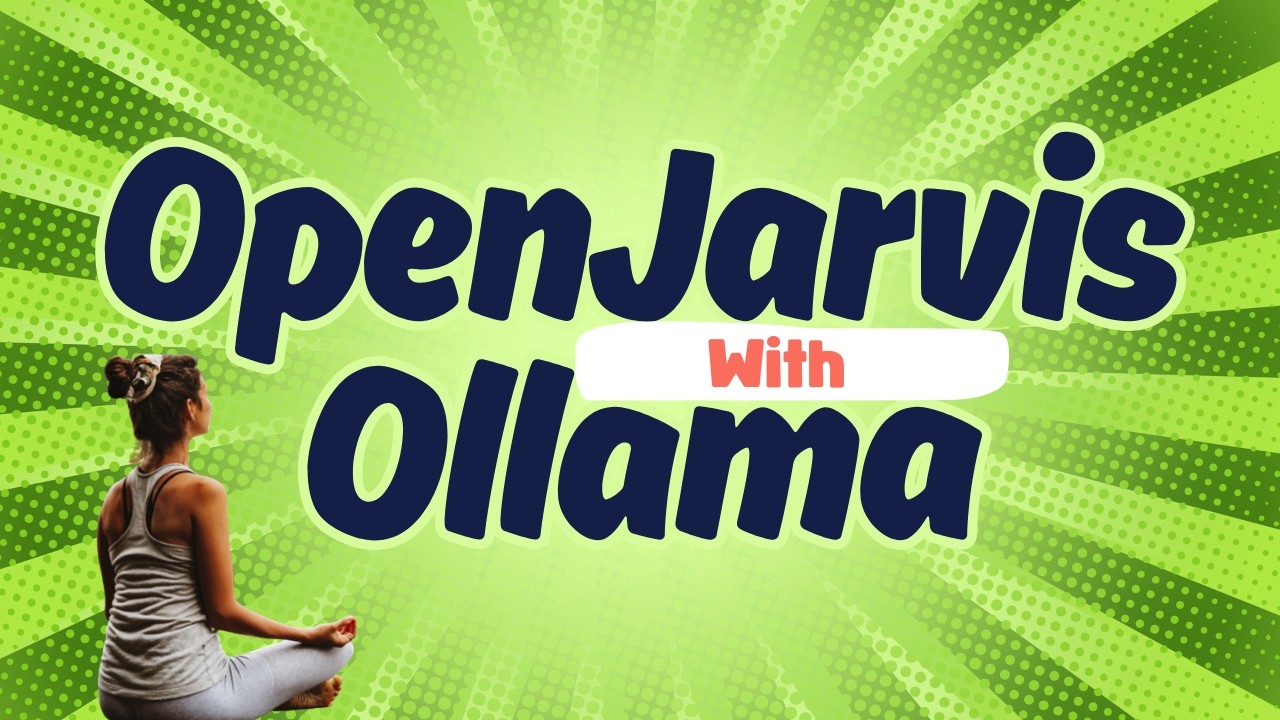
OpenJarvis + Ollama: A Local AI Agent That Tracks Watts Per Query
Chapters / key moments (click to jump — plays here on the page)
Fahd Mirza picks up OpenJarvis — a local-first personal AI framework out of Stanford's Hazy Research and Scaling Intelligence Lab, built as part of their "Intelligence per Watt" research — and wires it up to Ollama on a single-GPU Ubuntu box. The walkthrough covers the one-line install, the seven built-in presets, an Open Claw–style doctor health check, and a benchmark that reports something most local-AI tools ignore: average watts and joules per token alongside speed.
Source video
"OpenJarvis + Ollama: Local AI Agent That Tracks Every Watt" by Fahd Mirza — Watch on YouTube →
Key Takeaways
- Local-first by design. OpenJarvis assumes your personal AI should run on your own device, not someone else's cloud. It plugs straight into Ollama (and also supports vLLM, SGLang, and llama.cpp), reusing any models you've already pulled.
- Five primitives. The framework is built around Intelligence (model selection and catalog), the Engine (the inference layer), Agents (single-turn chat up to multi-step reasoning and scheduled tasks), Memory (persistent, searchable storage), and a Learning system that records every interaction as a trace and uses it to improve routing over time.
- Presets do the configuring for you. Seven ready-made presets ship in the box — including morning digest, deep research, and code assistant. Running
jarvis init code-assistantswapped in a tuned prompt and harness, and produced a noticeably better script than the default agent on the same request. - Energy is a first-class metric. Per-query telemetry tracks token counts and tokens/sec, and
jarvis bench runreports latency, throughput, and energy — in the demo, ~25 tokens/sec, ~278 W average draw, and ~10.9 joules per token, all at $0 cost because everything ran locally. - Early but evolving fast. The project is new — expect rough edges (a persistent self-update nag appeared even right after install). A
doctorcommand (popularized by Open Claw) checks download status, the engine, and each primitive so you can confirm the setup before relying on it.
Commands & Code Mentioned
# Install is a single one-liner (uses uv under the hood to set everything up)

# Start an interactive chat with your default local model
jarvis

# Exit the chat
/quit

# Run a one-shot prompt against a specific local model
jarvis -m <model> "your prompt here"

# Health check — download status, engine, and all five primitives
jarvis doctor

# Initialize a ready-made preset (e.g. the code assistant)
# add --force to override an existing config
jarvis init code-assistant --force

# Benchmark latency, throughput, and energy use on your model
jarvis bench run

# Update OpenJarvis in place
jarvis self-update
More OpenClaw & Claude Code news
Command Code's desktop app, tested: a $1 coding agent with a plan-review loop, on DeepSeek V4 Flash
Build an MCP server three ways: local stdio, over HTTP, then with OAuth and per-user scopes
Qwen Intelligence: a three-agent phone stack, hands-on with the planner — and no weights
Opus 5.5 vs GPT-6 Sol: 7-1 on quality, 3x on the bill, and an orchestrator pattern worth copying
Opus 5.5 vs GPT-6 Astra: 12 tasks, 17 hours of agent time, and a per-task cost sheet
Build an agent that compacts itself: three thresholds, a self-compact tool, and a note to self