Deep dive
Nine Grok Bot techniques: delegation prompt, shared memory, Composio, routines
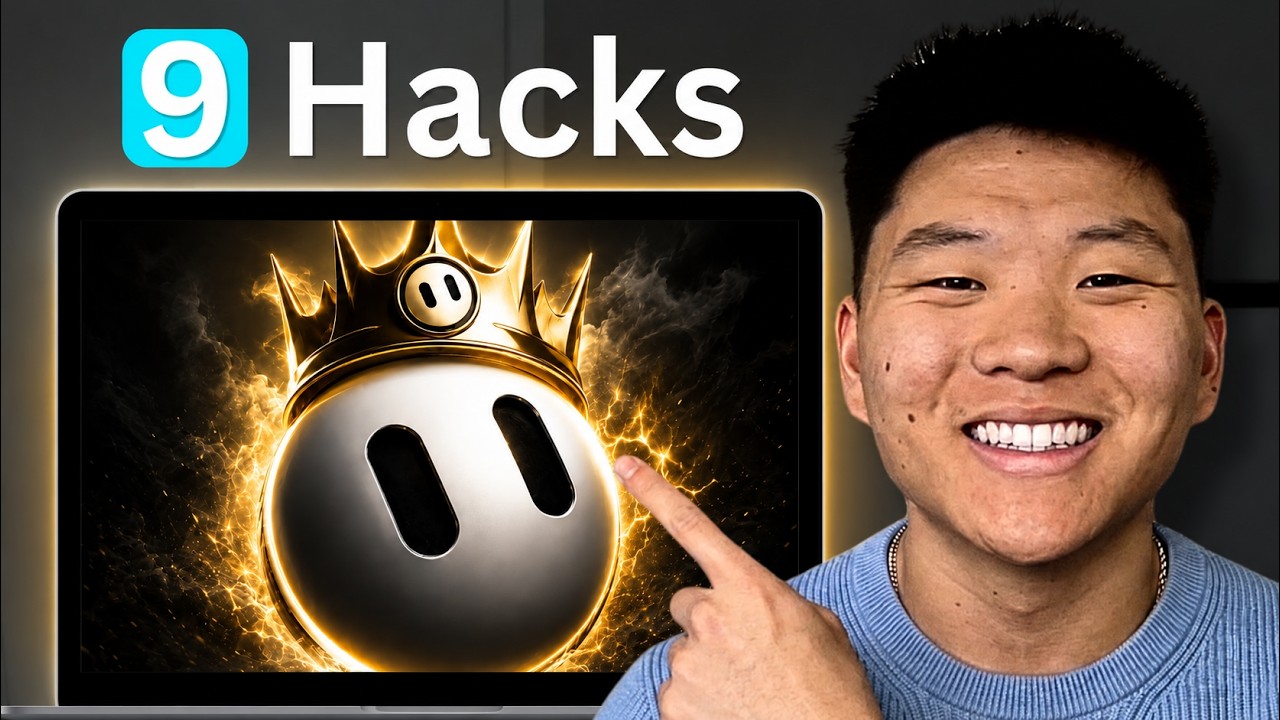
This is the densest Grok Bot walkthrough we have summarised so far — nine techniques for after you have it installed, most of which transfer to any multi-agent setup. The two that stand out are the exact delegation description that makes a chief-of-staff bot actually delegate instead of doing the work itself, and the distinction between memory a single bot holds and memory every bot shares. It also covers routing around Grok Bot's missing integrations through Composio, and routines that fire on events rather than only on a clock.
"A Week of Grok Bot Lessons in 10 Mins" by Nate Herk — Watch on YouTube →
Teach-by-demonstration and agent-to-agent messaging were covered in depth in our earlier Grok Bot summary. This page focuses on what that one did not cover.
The chief-of-staff delegation description
The single most reusable artefact in the video. A coordinator bot only works if its description explicitly forbids it from doing the work — otherwise everything bottlenecks through one agent. This is the description shown on screen, with the owner's name left in place as he wrote it:
This is Nate's chief of staff. Klaus is the only bot Nate talks to.
Before doing any task, check whether another Grok bot owns it and
delegate first. Only do the work yourself if no specialist fits.
Bring the results back here.
Template shown in the video. Adapt to your own setup — do not copy verbatim without reviewing each line.
The counterpart matters as much: every specialist bot needs a description narrow enough that the coordinator can route to it unambiguously. His examples are one sentence each — "this bot creates motion graphics and animations for intros or transitions for YouTube videos", a researcher, a morning planner, a content strategist. Scrolling the coordinator's conversation shows it messaging those specialists by name and bringing results back.
Step-by-Step Breakdown
-
Install a "grill me" interview skill first
Before configuring anything else, get what is in your head into the system. He drags a skill file he already uses with Claude and Codex into Grok Bot and asks it to read the file and create the equivalent skill there. The operative instruction inside it: relentlessly interview the user about every aspect of the topic until you reach shared understanding. He runs it before each new quarter, project, or automation so the agents know the current plan. Skills live under plugins → yours.
-
Set up and pin a chief of staff
Pin one coordinator to the top and give it the delegation description above. From then on you talk to one bot, not twelve. He also groups the sidebar — content agents, general agents — which keeps a growing roster navigable.
-
Let the coordinator design its own team
After the interview skill has run, ask the chief of staff which specialists are worth adding. In the demo it declines to add a general helper, a thumbnail bot, or a second coordinator — reasoning that those overlap what already exists — and proposes three genuinely missing roles instead. Telling it what you are struggling with this month produces better suggestions than asking cold.
-
Separate shared knowledge from per-bot memory
Grok Bot saves memory automatically, but there are two distinct stores: memory held by an individual bot, and shared context every bot can read. Be deliberate about which is which. His shared store holds durable facts — company, role, location, channel, funnel, and which integrations route through which service. Bot-specific detail stays with that bot. The failure mode this prevents is a specialist confidently acting on something only the coordinator was told.
-
Bridge missing integrations through Composio
Grok Bot's plugins panel covers the common services, but not everything — YouTube, Reddit, LinkedIn and GoHighLevel were all missing at the time of recording. Composio exposes hundreds of connectors and Grok Bot can connect to Composio directly, so it becomes the bridge for anything not natively listed. Crucially, he then records in shared knowledge that Composio is the route to those services, so every bot knows where to look rather than concluding the capability does not exist.
-
Log agent work to an external board
Once you are firing tasks from both phone and desktop, you lose track of what is running. He wrote a skill — named, in his plugins list, for logging Grok Bot work to ClickUp — so that each delegated task lands on a board with status, owner, start time, notes and progress updates. The owner field records the delegation chain ("owner is Eyes via Klaus"), which makes a multi-agent run auditable after the fact.
-
Teach visual tasks by demonstration
For work too visual to explain, open the agent's computer and use teach a task. It records your screen, analyses what you did when you stop, and converts it into a reusable skill. Covered in more detail on our earlier Grok Bot page.
-
Put the durable work on routines
Routines are recurring tasks a bot runs on a schedule. Create one, name it, give it an instruction — which can itself say "run this skill" or "talk to these agents and do this" — then set the trigger. Beyond hourly/daily/interval schedules, there were six event triggers available at recording, including Slack messages, Git events and Teams messages. Because this runs in Grok's cloud, routines fire with your phone and computer switched off.
-
Save logged-in browser profiles on the agent's computer
Rather than pasting credentials into a chat, open the agent's computer, log in to the service there once, and the profile persists. A taught task then runs against the already-authenticated session. He uses this for a routine that finds and likes posts in his community daily.
Smaller things worth knowing
- Threads. Click the three dots on any message and start a thread to dig into one point without derailing the main conversation, then jump back.
- Skills are "private plugins". They appear under plugins → yours, which is not an obvious place to look for them.
- Shared computer, different desktops. The bots present separate desktops but sit on the same underlying machine — which is why an authorisation or a saved login done once is available elsewhere.
Key Takeaways
- A coordinator that is not explicitly told to delegate will not delegate. The "only do the work yourself if no specialist fits" clause is the whole mechanism — the same rule that shows up in every well-behaved orchestrator setup we have covered.
- Decide what is shared before the roster grows. The per-bot versus shared memory split is easy to ignore on day one and expensive to untangle at a dozen bots.
- Missing integrations are a routing problem, not a dead end — and the routing has to be written into shared knowledge or the agents will not find it.
- Credentials belong in the agent's browser profile, not in chat. Log in once on the agent's computer and let the saved session do the work. See our cross-platform security centre for why pasting credentials into agent conversations is worth avoiding.
- Event triggers change what routines are good for. A routine that fires on a Git event or a Slack message is reacting to your work, not to a clock.
More Grok Bot news
 Grok Bot's two upgrades: Opus 5.5 model routing, built-in X search, and running Claude Code inside a Bot's computer
 Grok Bot routines that wake on email: webhook triggers, AgentMail and a twice-daily inbox triage
 A 5am briefing podcast built from Grok Bot, an MCP voice service and a podcast API
 Setting up a Grok Bot agent team: descriptions, delegation and routines
 Grok Bot setup: give each bot its own email instead of sharing your accounts
 Grok Bot vs Hermes and OpenClaw: teach-by-demonstration and agent-to-agent context