Summary
Kilo Swarm: sub-agents that share a board, plus built-in browser automation and a PR panel
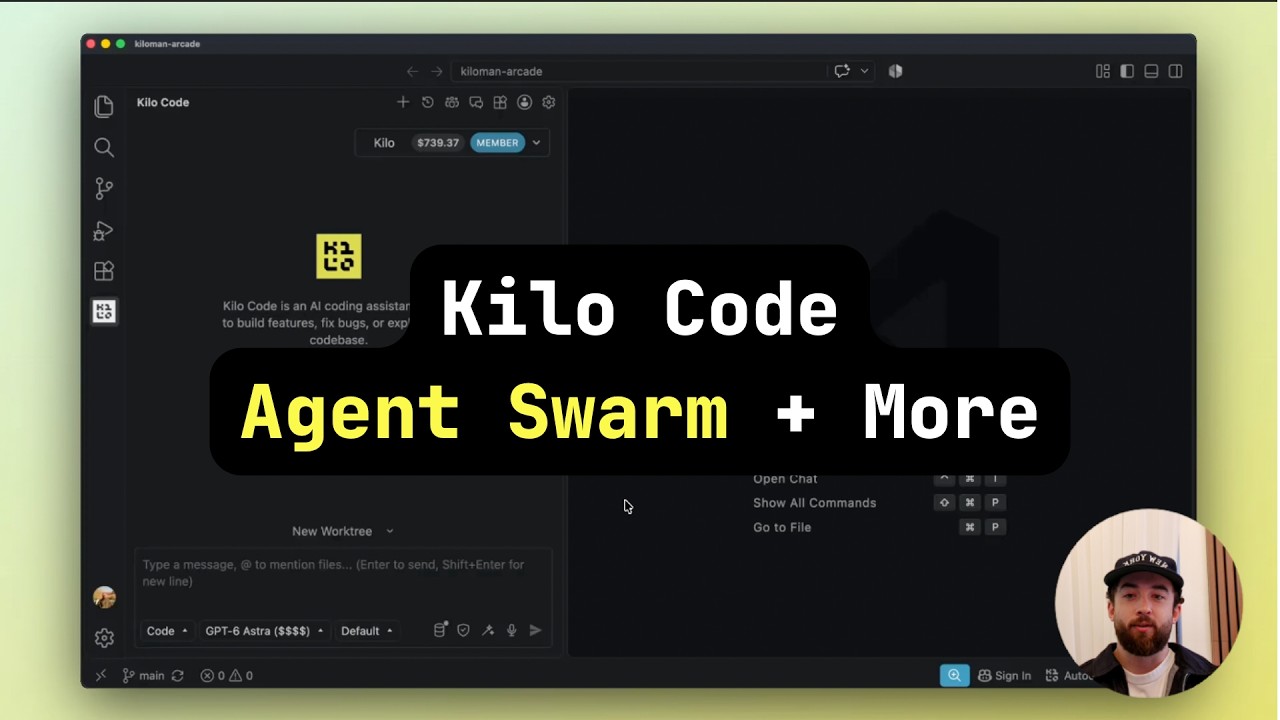
Parallel sub-agents usually work without seeing each other, so two agents can each work out the same auth pattern, or contradict each other. Kilo Swarm gives them a shared message board. It is experimental and off by default. Our changelog noted the env-var flag in v7.6.2, and this is the settings toggle. The same video covers two other things you can enable today.
"New in Kilo for VS Code: Agent Swarms" by Kilo Code — Watch on YouTube →
How to turn each one on
- Kilo Swarm.
Settings → Experimental → Kilo Swarm (off by default). When Kilo splits a task, such as "build a robust API suite", across sub-agents, each can post what it found to a shared board, for example an auth pattern, and the others read it before writing. Open the board from its icon to watch messages as they arrive. The same feature is behind
KILO_EXPERIMENTAL_SHARED_AGENT_BOARDin v7.6.2+. - Built-in browser.
Settings → Web tools → Browser automation. You no longer need a Playwright MCP server or a separate Chrome DevTools setup. Ask Kilo to validate a UI, check a footer, or click through a sign-up flow, and it drives the browser itself and returns a screenshot of each action.
- PR panel in Agent Manager.
Each worktree shows a PR status badge once its branch has a pull request. Click it for checks, reviewers, unresolved comments and merge readiness. Failing checks go to the agent with Fix with Kilo.
Gotchas & Caveats
- Swarm is experimental. Watch the board on your first few runs, because a wrong finding posted early spreads to every agent that reads it.
- A browser-driving agent can click anything it can reach. Test against staging, not production accounts.
- Since v7.7.3 the KiloClaw client has been removed from the editor. See the Sept 19 changelog.
More: Kilo Code orchestrator guide · setup.
More Kilo Code news
 Kilo CLI: Open-Source Terminal Coding Agent With 500+ Models
 Kilo Cloud Agents Add GitHub Authorship, Profiles & Remote Sessions
 Kiloclaw Auto-Researches Every New Meeting and Briefs You in Slack
 Kilo Code at Gartner Summit: Enterprise AI Shifts to Cost Control
 Kilo Code + Claude Fable 5: Replicating GitHub From a Single Screenshot
 Claude Opus 4.8 vs MiniMax M3: Real-World Coding Task in Kilo Code