Summary
Getting started with the Codex desktop app: where it runs, which model and effort to pick, /goal, recording a skill, plugins and your dot
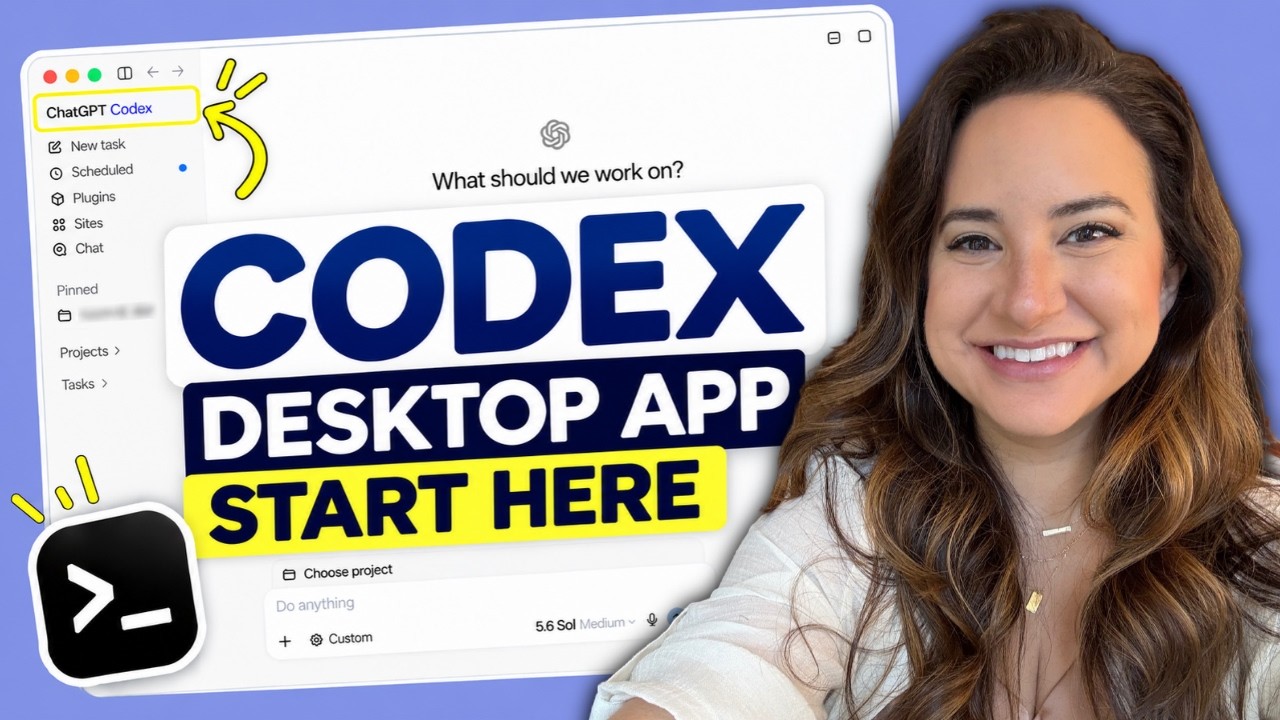
Allie K. Miller walks a newcomer through the desktop app that now hosts Codex: the main chat box, where a task runs, how she chooses a model and effort level, goal mode, recording a skill, plugins, scheduled tasks, live voice and the proactive "dot". It is a personal tour from a heavy user, so the model and effort choices are her habits, not defaults. The page marks which features OpenAI's app page confirms.
"How to Get Started With the Codex Desktop App" by Allie K. Miller — Watch on YouTube →
Getting it and the first switch
- Download from chatgpt.com/download. OpenAI's app page says macOS, Windows or Linux; the video shows macOS.
- Day one, step one: change the mode dropdown from ChatGPT to Codex. Step two: open Plugins and connect only the tools you actually use, such as Gmail and Google Calendar. Step three: dictate a rant about one real problem, then ask it to interview you until it is about 95% sure it understands, before it proposes solutions.
The controls she explains
- Project. A folder-like context for a body of work; not required at first.
- Where it works. This computer (uses your laptop and local files), cloud (no access to files on your desktop, and no model or permission choice) or remote (you steer from your phone). She mostly uses "this computer" and says it feels cloud-like while the machine stays on.
- Model. She says the default is GPT 6.1 Sol, Astra is for the hardest problems, Luna is the mid-size tier and Terra the small one. Her habit: Astra on medium for complex tasks and writing; drop to Sol for proposals or when she worries about her usage; on a $20 plan use Luna or Sol with light or medium effort.
- Effort. Up to extra high, and above that "ultra", which she describes as letting the main model fire off possibly hundreds of agents in parallel and build its own harness on the fly, and which consumes limits very fast. She rarely uses it. Fast mode costs more usage.
- Goal mode (the toggle at bottom left). Describe a measurable outcome ("under 500 words"). For subjective goals, define what "improve" means, for example that four of five fake reviewer agents would be interested.
- Plan mode. She thinks the models are good enough that you can instead ask in natural language for a plan and approve it.
- Record a skill. Record your screen while doing a task (her example: refunding someone in a payments dashboard, or pulling LinkedIn stats from sites that block AI tools) and the app learns to repeat it.
- Scheduled. Create a recurring task, such as daily at 9 a.m. OpenAI's page confirms you can create a standalone scheduled task or schedule one inside a chat.
- Voice. Dictation (microphone) and a live voice mode that can see your screen and keep a conversation going while another task runs; also on mobile.
- While it works. Queue several messages, steer mid-task by adding an instruction, open a separate chat for an unrelated agent, view its browser, branch a chat to reuse context, and pin chats.
- Your dot. A proactive agent: hers flagged a calendar conflict and messaged a teammate on her behalf. Starting calls from it was buggy in her last two attempts.
What we could and couldn't confirm
OpenAI's app page confirms the download platforms, scheduled tasks, plugins and use of the browser and desktop apps. It does not describe goal mode, plan mode, recording a skill, voice mode or effort levels (its navigation lists Record & Replay, Build skills and Voice pages), so those, and the model tiers and defaults, are her account. Check the in-app picker for what your plan offers.
Gotchas & Caveats
- The model picks assume a $200 plan; on lower plans, ultra and Astra can exhaust limits quickly.
- Computer use and logged-in sites: recording a skill that logs in to a site is a permission grant, so review what it can do.
- Plugins can disconnect themselves, so re-check connections now and then.
- Her dictation prompt names real personal details; use your own judgement on what you hand an agent.
Key Takeaways
- Switch to Codex, connect two or three plugins, then dictate one real problem and let it interview you.
- Use goal mode with a measurable finish line, and queue or steer rather than waiting.
- Choose model and effort per task: highest tier for the hardest work, a cheaper tier on medium for the rest.
More ChatGPT news
 OpenAI Dots hands-on: setup, the privacy toggle to flip first, what it can do and where it was buggy
 Build your own agentic harness in Python: the loop, tool calling, MCP servers, memory and model switching
 GPT-6 Astra Ultrafast in Codex: how to switch it on, what it costs, what it built
 ego lite: a Mac browser your agent drives through a skill, in its own "space"
 The same coding agent in CrewAI, the OpenAI Agents SDK and LangGraph — and when to pick each
 GPT-6 Sol and Luna: where each one lives, what it costs, and which tier to point an agent at