Deep dive
Claude Managed Agents dynamic workflows ("flows"): turn them on, cap the spend, interrupt a run, keep secrets out of the sandbox
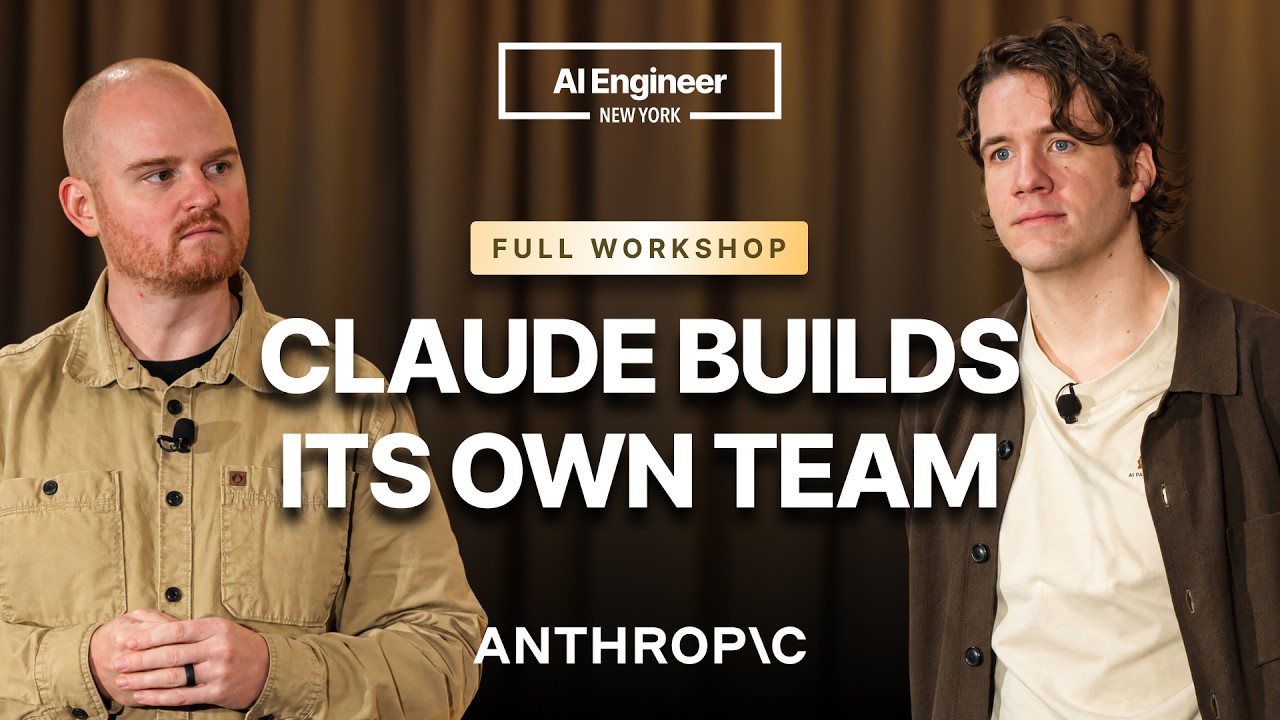
Two Anthropic engineers ran a workshop on the newest piece of Claude Managed Agents: dynamic workflows, which they call "flows" on stage. Instead of you wiring up a coordinator and a roster of subagents, the lead agent writes a program that fans work out to many agents in phases and combines what comes back. Below is what to set to use it, with every field checked against Anthropic's own docs as of 2026-10-18. Where the talk and the docs use different words, the docs win.
"Why One AI Agent Isn't Enough (And How to Run 1,000)" by CJ Avilla & Harrison Stall (Anthropic), AI Engineer channel. Watch on YouTube → It's a 100-minute workshop. The configuration is in the first 30 minutes and the safety controls start around 1:16:00.
Official references: Multiagent orchestration · Workflow runs · Session budgets. The feature is in beta under the managed-agents-2026-04-01 beta header.
What dynamic workflows are, and how they differ from subagents
Managed Agents now gives the agent three ways to hand off work. According to the docs:
- Subagents: the agent delegates tasks itself and reads each report. Delegation is one level deep, with at most 25 child threads at a time.
- Dynamic workflows: the agent writes a workflow, which is a program that runs many agents in phases and combines the results. The server runs it in the background as a workflow run. The agent can't send follow-up messages to a run's threads.
- Advisor: the primary thread asks an advisor model for guidance during a turn and does the work itself.
On stage they described dynamic workflows as the API version of Claude Code's own dynamic workflows (the ones you trigger by asking for "ultra code"), generalised so you can run them from your product, from CI or on a schedule rather than from a terminal.
Step by step
- Start from a template (fastest). In the Claude Console, open Managed agents → Quick start, scroll to the Dynamic workflow templates, and pick one. The demo used the "stock watchlist scanner" template on Claude Opus 5.5. "Use this template" creates the agent resource for you.
- Create or pick an environment. An environment is the computer the agent works on. You can also bring your own sandbox and run it on your own infrastructure.
- Start a session with your input, for example a list of tickers. Each agent the workflow starts works in its own session thread, which you can watch in the Sessions pane or read through the API.
- Move it into code once the behaviour looks right. Enable multiagent on the agent, set a budget on the session, and tell the lead agent to run a workflow (see below).
They also said the Claude API skill bundled with Claude Code can spin up the same templates, so you can say "spin up a managed agent that does X" from Claude Code instead of using the Console. We have not confirmed the exact skill invocation in the docs.
The configuration, field by field
Turn on multiagent on the agent
In the talk this is "passing in this type called multi-agent 2026-10-01". The official field is the multiagent block with type multiagent_20261001:
{
  "multiagent": { "type": "multiagent_20261001" }
}
According to the docs, with this type both subagents and workflows are on by default, and each allows inline agents (agents that the lead agent or the workflow defines on the fly, with their own system prompts). To restrict a workflow to specialists you have already created, list them in workflows.predefined_agents. That list is separate from subagents.predefined_agents. The speakers' example was a set of research specialists, each pointed at one source such as SEC EDGAR or a news feed.
Tell the agent when to run a workflow
The speakers' first message to the lead agent was simply "run a workflow". The docs recommend saying in the agent's system prompt when it should use a workflow run. The speakers also found that loose, open-ended instructions worked better than spelling out the topology: let Claude design the phases, then tune it.
Cap the spend with a session budget
The talk's example was "$1.25". In the API, the amount is a whole number of US cents written as a string, so $1.25 is "125":
curl -sS https://api.anthropic.com/v1/sessions \
  -H "x-api-key: $ANTHROPIC_API_KEY" \
  -H "anthropic-version: 2023-06-01" \
  -H "anthropic-beta: managed-agents-2026-04-01" \
  -H "content-type: application/json" \
  -d '{
    "agent": "'"$AGENT_ID"'",
    "environment_id": "'"$ENVIRONMENT_ID"'",
    "budget": {
      "type": "limit",
      "max_list_cost": {"amount": "125", "currency": "USD"}
    }
}'- The budget can only be attached when the session is created. Adding one to an existing session returns a 400 error.
- It is priced at public list rates: tokens, plus $10 per 1,000 web searches, plus $0.08 per session-hour. One budget is shared across every thread in a multiagent session.
- When the session reaches the cap it goes idle with
stop_reason: budget_reachedrather than terminating. Raise the cap with a session update (POST /v1/sessions/$SESSION_IDwith a newbudget) and the paused runs resume where they stopped, which matches what the speakers showed. The new amount must be above the session's consumed list cost. - The model is not told its budget. The speakers said Claude "can get a little bit anxious" when it is. The budget is a guardrail only.
- A suggested exercise from the talk: set a budget lower than you expect the flow to need (about $1), let it hit the cap, raise it, and watch it continue.
Stop or steer a run mid-flight
Send a user.interrupt event. According to the docs, an interrupt stops the agent's turn but doesn't end open workflow runs on its own. To stop them, send a user.message asking the agent to stop its runs (a stopped run ends with result {"type": "stopped"}). To carry on, send a user.message asking it to continue. A run paused by an interrupt does not resume when you raise the budget. You have to ask it to continue.
Watch it
Everything comes through a single durable event stream: workflow_run.created (name, description and phases), workflow_run.status_running / status_idle, and workflow_run.status_ended with the result. Per-thread events are available too. The Console dashboard is built on the same public API, so you can build your own UI on top of it. Note that the stream doesn't replay events you missed. To rebuild a run's state after reconnecting, list the session's events.
Limits worth knowing before you scale
| Limit (per workflow run) | Value (official docs) |
|---|---|
| Threads working at once | 64 (not guaranteed by the API) |
| Agents started over the run's life | 1,000. Past that the run ends with thread_limit_error |
| Run lifetime | 24 hours by default, or what the agent sets. Then timeout_error |
| Subagents (non-workflow) at a time | 25 child threads per session |
The "1,000" in the talk's title is this per-run agent cap. The speakers stressed that more agents cost more. In their own single-agent vs. flow comparison on the watchlist task, the flow found more but cost much more. Use flows when you want to leave no stone unturned and are willing to pay for it.
Patterns from the demos you can copy
- Fan-out per item: one scan agent per ticker, each in an isolated context so results don't bleed into each other, then a separate review phase.
- Code review as phases: slice the diff, one reviewer per slice lists candidate problems, a second phase agrees or disagrees, a final phase picks candidates and a "prover" phase verifies them.
- Spend compute where it matters: you can ask Claude to use more test-time compute in one phase (for example the scan phase) than in others.
- Hand it the map: if you already have a dependency graph, upload it as a file into the session and tell the agent where it is, so it doesn't spend tokens rebuilding it.
- Audit your own agents: pull past session transcripts through the API and give them to a reviewer managed agent with "tell me if anything unexpected happened or any odd tools were called".
- Pair with Outcomes: state the outcome you want plus a rubric, and give it a budget.
Security controls they called out
Their framing is "declare, contain, detect". The concrete controls:
- Never put API keys in files the agent can read, hidden or not. Store them as vault credentials and pass the vault when you create the session. The sandbox only ever sees placeholder values. The real secret is swapped in at the egress proxy, and only for the hosts you allow, such as
api.twilio.comin their example. An injection-location setting says where the secret goes (for example a bearer header or the request body). - Restrict network egress in the environment configuration to the domains the agent needs. Calls anywhere else fail at the firewall.
- Shrink the toolset: set
enabled: falseon agent tools you don't need, such as web fetch or web search, and enable MCP tools one by one rather than trusting a whole server, in case it is compromised later. - Switch the permission policy from always-ask to auto mode. They said people approve about 97% of prompts anyway, and auto mode's classifier checks each tool call.
We have checked the field names on this page against the budgets, multiagent and workflow-runs docs. We have not checked the exact vault, network and tool-config schemas, so take those from the Managed Agents docs rather than from the slides.
Gotchas & Caveats
- "Flows" is the speakers' word. The docs call the feature dynamic workflows and each execution a workflow run. Search the docs for those terms.
- No approval step comes before a run starts. If you want to review the plan first, tell the agent to describe the run and wait for your go-ahead.
- A budgeted session can't use a model with no public list price. Creating one returns a 400 error.
- Removing a session's budget is one-way: you can't add one back. Change the amount instead.
- The speakers mentioned API credits being included with Max and Team plans. Check your plan's terms before relying on that.
Key Takeaways
- Enable with
"multiagent": {"type": "multiagent_20261001"}. Workflows are on by default, so tell the agent in its system prompt when to use them. - Always create the session with a
budget(cents as a string). Hitting it pauses the session, and raising it resumes the work. user.interruptstops the turn. Follow it with a message to stop or continue the runs.- Keep secrets in vaults with egress injection, restrict network egress and tools, and turn on auto mode.
More Claude Cowork news
 The Overnight Agent Loop: How a CTO Ships 2–10 PRs a Week
 Claude Managed Agents: three primitives for production agent infrastructure
 Claude Cowork Is a Game Changer — If You Use It Correctly
 12 Claude CoWork Skills That Save 10+ Hours a Week
 Build a Live Data Dashboard in Claude Cowork in Under 3 Minutes
 Claude Managed Agents Add Dreaming, Outcomes, and Multi-Agent Orchestration