Published: 2026-05-06
 The Overnight Agent Loop: How a CTO Ships 2–10 PRs a Week
 Claude Managed Agents: three primitives for production agent infrastructure
 Claude Cowork Is a Game Changer — If You Use It Correctly
 12 Claude CoWork Skills That Save 10+ Hours a Week
 Build a Live Data Dashboard in Claude Cowork in Under 3 Minutes
 Claude Managed Agents Add Dreaming, Outcomes, and Multi-Agent Orchestration
Build a Multi-App Dashboard in 10 Minutes with Claude Cowork Live Artifacts
Chapters / key moments (click to jump — plays here on the page)
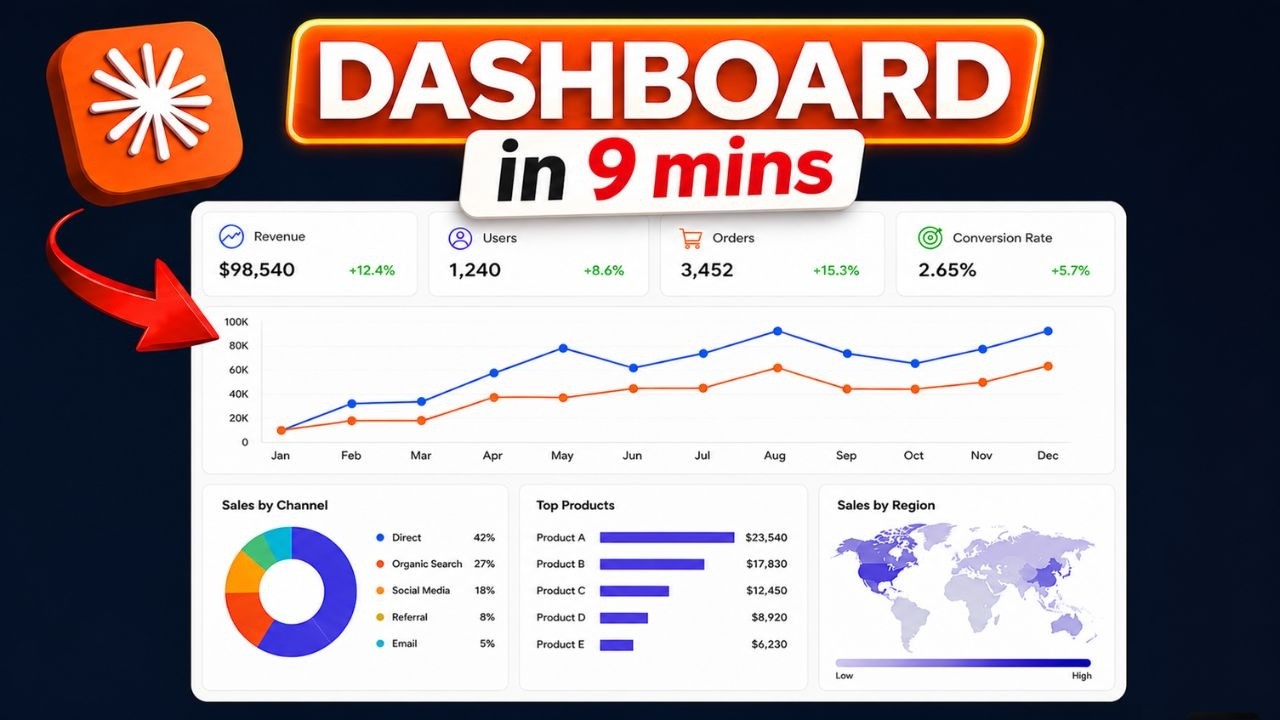
Claude Cowork's new Live Artifacts feature lets you build a single dashboard that pulls data from Gmail, Calendar, ClickUp, and Airtable — without writing a line of code. You connect your apps through Cowork's connector panel, describe what you need, and Claude builds the dashboard and interviews you to fit your actual workflow. Interactive buttons on the dashboard can write back to connected tools (marking a ClickUp task done, for example), and the whole thing refreshes each time you open it.
Source video
"Create a Professional Dashboard in Just 10 Mins | Claude Cowork's Live Artifacts" by FuturMinds — Watch on YouTube →
Key Takeaways
- Live Artifacts is available in the Claude desktop app under Cowork → Live Artifacts; connect apps via Browse Connectors (Gmail, Calendar, ClickUp, Airtable, and many more).
- "Live" means data refreshes when you open the dashboard or click the reload button — it is not real-time streaming, so new emails won't appear automatically while the dashboard is open.
- Buttons in the dashboard can write back to connected tools — for example, a "Mark done" button that actually updates the task status in ClickUp.
- Known bug: connectors can lose session state and show stale data; fix by going to Settings → Connectors → disconnect and reconnect the affected app.
- Not a replacement for Notion or Retool — no complex filtering, real-time collaboration, or database views; best used as a personal command center for one person's daily routine.
More Claude Cowork news
The Overnight Agent Loop: How a CTO Ships 2–10 PRs a Week
Claude Managed Agents: three primitives for production agent infrastructure
Claude Cowork Is a Game Changer — If You Use It Correctly
12 Claude CoWork Skills That Save 10+ Hours a Week
Build a Live Data Dashboard in Claude Cowork in Under 3 Minutes
Claude Managed Agents Add Dreaming, Outcomes, and Multi-Agent Orchestration