Connect Meeting Notes to Claude & ChatGPT With the Granola MCP Connector
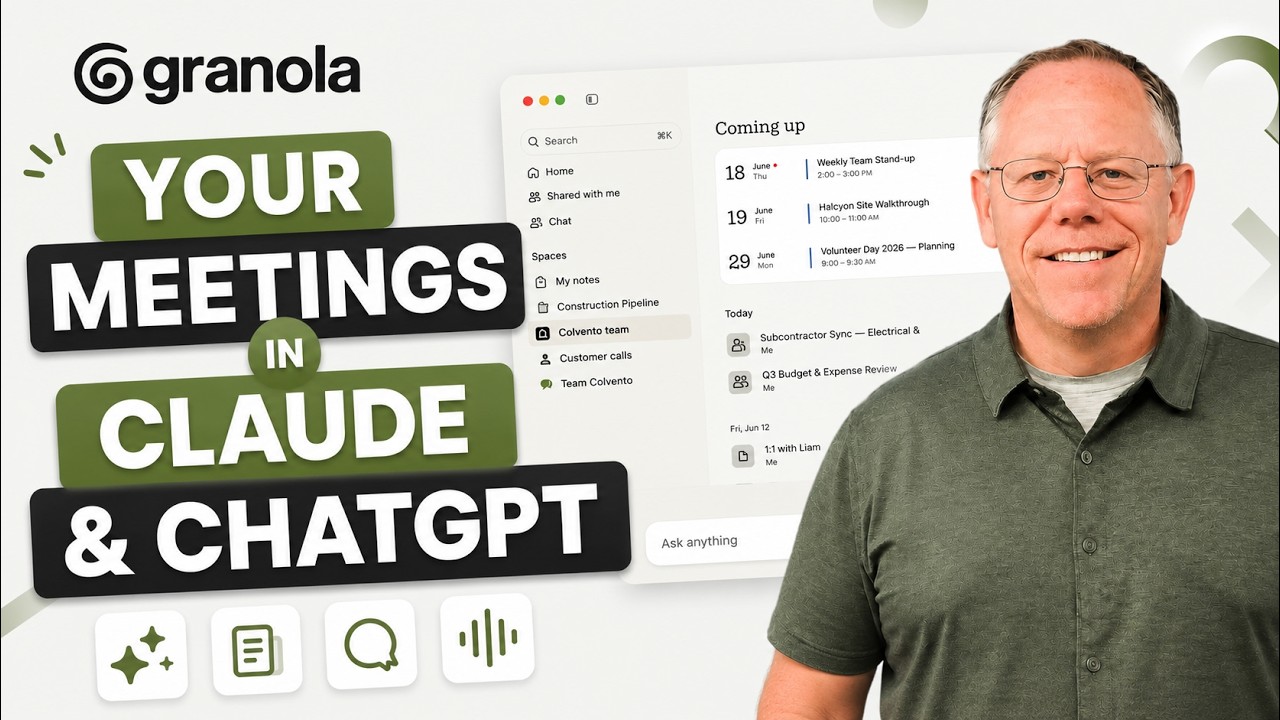
Kevin Stratvert walks through using the Granola MCP connector to pipe meeting transcripts into Claude, ChatGPT, and Claude Cowork. Once connected, the AI pulls meeting context automatically — without being asked — to generate proposals, risk assessments, action-item spreadsheets, draft emails, and calendar events from what was discussed.
"Your Meetings in Claude & ChatGPT: Granola Connectors" by Kevin Stratvert — Watch on YouTube →
Key Takeaways
- Granola transcribes any meeting, then exposes it over MCP. It captures Zoom, Google Meet, and Microsoft Teams calls, then makes those transcripts available to any MCP-compatible AI — Claude, ChatGPT, or another LLM.
- Setup in Claude is a few clicks. Customize → Connectors → Browse → search "Granola" → Add → sign in. You then set per-tool permissions: always allow, or ask each time.
- Claude invokes the connector on its own. Stratvert never told it to check Granola; given a proposal task, Claude recognized it should pull the relevant meeting and did so automatically.
- Stacking connectors builds a knowledge base. Pair Granola with Google Drive / Gmail / Calendar (or Microsoft 365 + Slack + Asana / monday.com) so the assistant draws on meetings, docs, email, and calendar together.
- Hand the same connectors to Claude Cowork for multi-output projects. In one run it produced a proposal, a risk-assessment doc, draft intro emails per department head, and calendar milestones — all grounded in the meeting notes.
Connectors that read your meetings, email, and drive grant the model broad access to private data. Review each connector's permission scope and prefer "ask each time" for anything sensitive — see our security center and MCP explainer.
Compare assistants for this kind of work: ChatGPT hub · Claude Cowork hub · decision guide.
More ChatGPT news
 GPT-6 Sol and Luna: where each one lives, what it costs, and which tier to point an agent at
 Jev live: gating a destructive delete at 96% "no", and scoring a sales lead at 97% confidence
 Six steps to Codex skills that hold up: reverse-engineer, one trigger, verify, walk the model down
 ChatGPT Work's data agent: build a data-context skill from Databricks, Slack and Drive
 Build automations with GPT-6 Astra in Codex, host them on trigger.dev so they don't eat your limit
 OpenAI's Agents API is a hosted Codex harness — here is what it takes over