Five ChatGPT Work Features: Local Files, Plugins and Scheduled Tasks
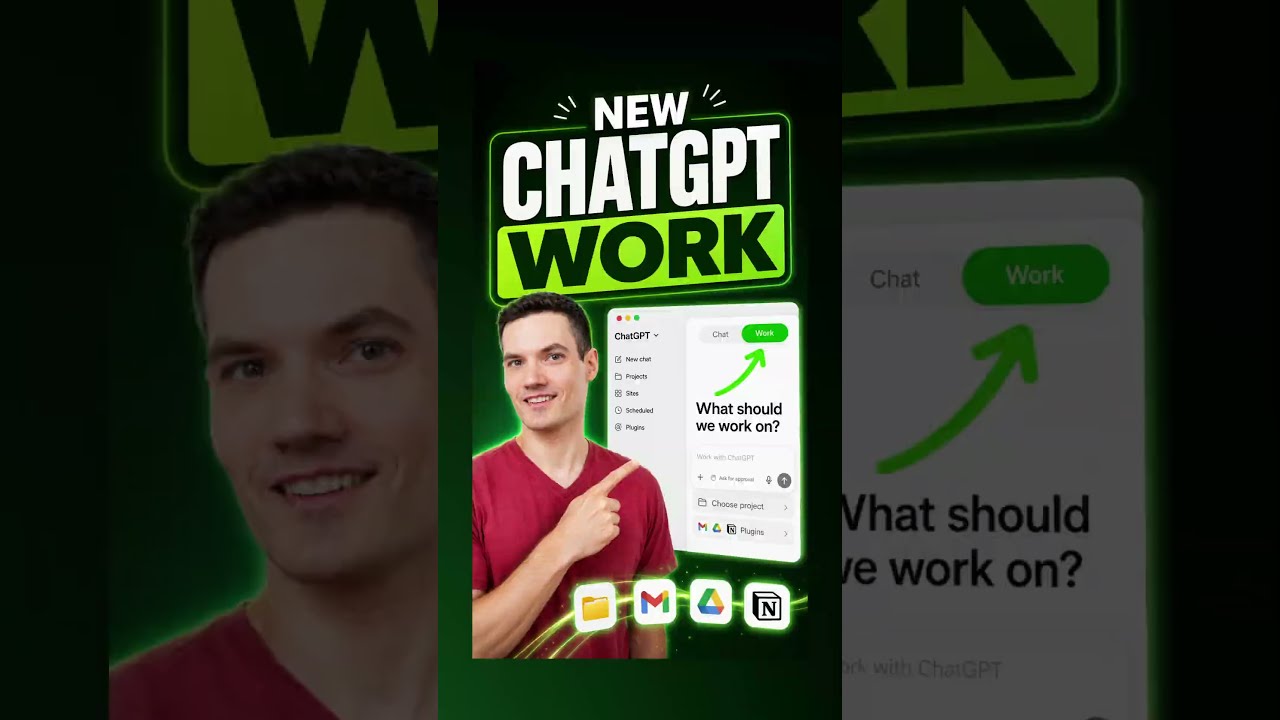
A fast walkthrough of five ChatGPT capabilities aimed at desk work rather than chat: a desktop app that can act on files on your PC, a Work toggle that points ChatGPT at a whole project folder, service plugins that connect accounts like Gmail, recurring scheduled tasks, and approval-gated file organisation on your desktop. Together they describe an agent that reaches into local files and connected accounts — which is exactly the surface worth thinking carefully about before you enable it.
This video is tagged as a paid partnership with OpenAI (#ChatGPT_partner). We summarise it because the feature list is concrete and useful, but treat the framing as promotional — the creator is not an independent reviewer here.
"5 new ChatGPT features you should know about" by Kevin Stratvert — Watch on YouTube →
Key Takeaways
- 1 — Desktop app with local file access. The ChatGPT app imports your contacts from other AI tools so you don't start from scratch, and can work directly with the files on your PC rather than only with uploads.
- 2 — The Work toggle points it at a project folder. Click the Work toggle, then the plus icon, and select the folder holding your project files. Asking it to create a presentation from those files builds one from the folder contents.
- 3 — Plugins connect real accounts. Open plugins, choose a service such as Gmail, and once connected you can ask something like "summarize my most important emails from the last week." Many other services can be connected the same way.
- 4 — Scheduled recurring tasks. Ask for that same summary every Monday morning and it becomes a recurring task, visible under the Scheduled view. This is the piece that turns a one-off prompt into standing automation.
- 5 — Desktop organisation runs behind an approval step. Asking it to organise a messy desktop produces a proposed reorganisation that you approve before anything moves — the same human-in-the-loop pattern good agent setups use for any irreversible action.
What to Check Before Turning These On
Every one of these features widens what ChatGPT can see or change. Local folder access means whatever sits in that folder is in scope; a Gmail plugin means your mail is readable by the model; and a scheduled task keeps running on your behalf after you've stopped paying attention to it. Before enabling them on a work machine, it's worth confirming which folder you actually pointed it at, what a connected service's permission scope covers, and that anything touching files or messages stays behind an approval prompt.
Related: ChatGPT agent mode · ChatGPT memory · Cross-platform security center
More ChatGPT news
 The reported OpenAI agent breach of Hugging Face, and five rules for running your own agents: sandbox, deny network, scoped credentials, no shared writable folders, verify outside
 Hy-Memory: Tencent's open 30B-A3B memory writer, served locally with vLLM and tested on a Seattle-to-Sydney fact update
 Getting started with the Codex desktop app: where it runs, which model and effort to pick, /goal, recording a skill, plugins and your dot
 OpenAI Dots hands-on: setup, the privacy toggle to flip first, what it can do and where it was buggy
 Build your own agentic harness in Python: the loop, tool calling, MCP servers, memory and model switching
 GPT-6 Astra Ultrafast in Codex: how to switch it on, what it costs, what it built