Deep dive
AI Agents for Beginners: LLM Fundamentals to a Multi-Agent OpenClaw Case Study
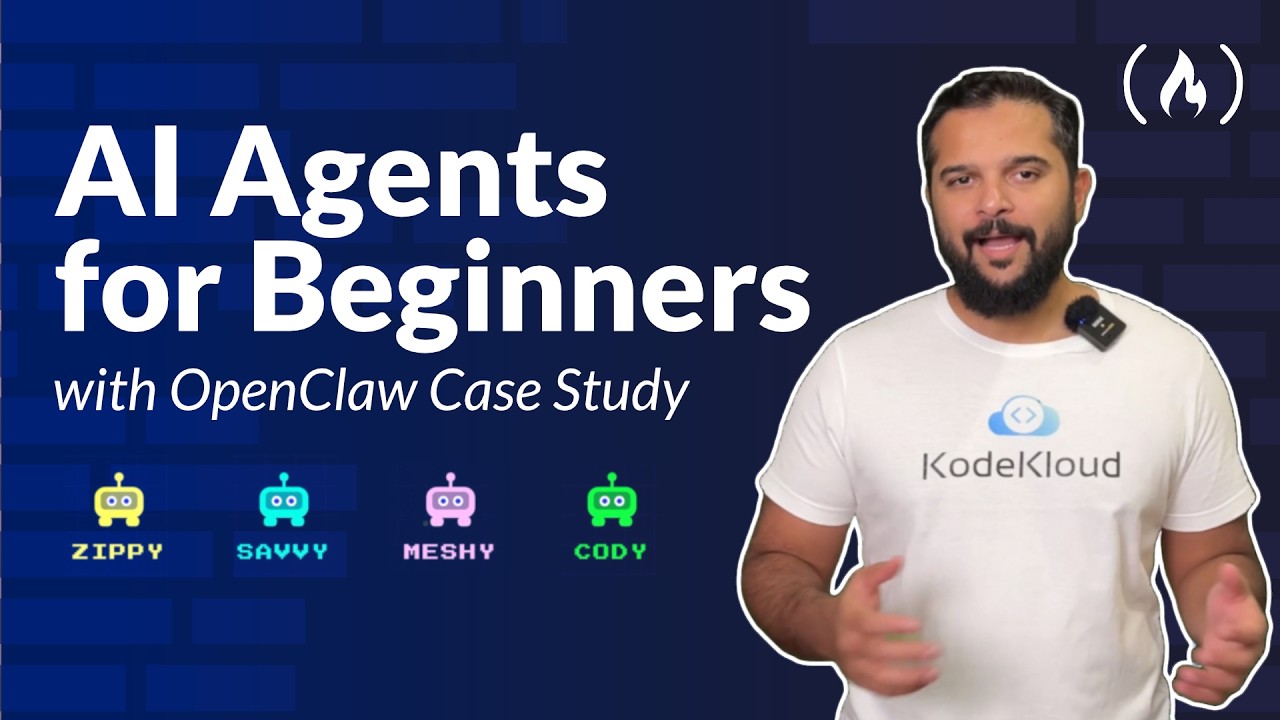
freeCodeCamp's beginner course (taught by CodeCloud founder Mumshad Mannambeth) climbs from LLM fundamentals — tokens, temperature, context windows, and prompting — up to building four agents (Zippy the orchestrator plus Savvy, Meshy, and Cody) and a case-study dissection of OpenClaw's architecture, agent loop, memory, testing, monitoring, and security. This page distills the reusable engineering concepts every agent builder should internalize.
"AI Agents For Beginners — OpenClaw Case Study" by freeCodeCamp — Watch on YouTube →
Complete beginners who want the mental model behind agents before touching code. It's theory-plus-labs: fundamentals first, then four hands-on agents, closing on a real open-source agent (OpenClaw) as the worked example.
Step-by-Step: The Core Concepts
-
Understand the model.
An LLM is a transformer that predicts the next token. "Pre-trained" means it learned patterns (not facts) from billions of pages — which is also why it hallucinates: it generates text that sounds right rather than looking anything up. On its own an LLM can only produce text; tools are what turn it into an agent.
-
Tokens are the currency.
Roughly 1 token ≈ 4 characters (~¾ of a word); rare/technical words and code split into more tokens. Output tokens cost ~4x input tokens (e.g. GPT-4o ~$2.50/M in, $10/M out) because output is generated one token at a time. An agent making hundreds of calls per task adds up fast. Try the free OpenAI tokenizer (platform.openai.com/tokenizer) to see the splits.
-
Set temperature by task.
0 for extraction/classification (deterministic, same output every time), 0–0.2 for code, 0.5–0.7 for conversation, 0.8–1.2 for creative writing. For agents, lower is better — you want reliable decisions, not creativity. Temperature is set per API call.
-
Manage the context window.
It's working memory (system prompt + tool definitions + history + tool results + the model's own reasoning), not long-term memory. A single agent turn with ~10 tools can already hit ~23k tokens. When it fills, systems truncate (drop oldest), summarize, or use a sliding window — which is why long chats "forget." Bigger windows cost more because you pay for the full context on every call.
-
Prompt by shaping patterns, not just instructing.
Prefer positive instructions ("write in paragraphs only") over negatives ("don't use bullet points") — a negation still activates the very pattern you're trying to suppress. Use the three message roles (system / user / assistant), add constraints, use few-shot examples to lock the output format, assign a role, and use chain-of-thought (numbered steps) for multi-step tasks.
-
Turn an LLM into an agent.
Give it tools (search, calculate, take actions) and a loop. The course grows Zippy from a solo generic agent into an orchestrator managing Savvy (research), Meshy (memory), and Cody (coding) — a concrete, followable multi-agent pattern.
-
Study a real agent: OpenClaw.
The course closes by dissecting OpenClaw's architecture and tools, its agent loop, memory system, testing strategies, monitoring, and security — including whether OpenClaw's much-discussed security concerns were real and what caused them.
Gotchas & Caveats
- The course uses some dated model references (GPT-4o, Claude 3.5 Sonnet, and an "Opus 4.6" mention). The fundamentals hold, but check current numbers — 2026 frontier models reach ~1M-token context windows and pricing shifts often.
- Token counts and prices vary by provider tokenizer, so cross-model comparisons are always approximate.
- Temperature guidance is model-agnostic, but exact behavior differs between providers — validate on your target model.
Key Takeaways
- An LLM alone is a text generator; tools + a loop are what make it an agent.
- Output tokens dominate cost — design agents to be terse and to reuse context deliberately.
- Use temperature 0–0.2 for agent decisions; save higher temperatures for creative work.
- The context window is a whiteboard, not a notebook — plan for truncation/summarization on long tasks.
- Positive, example-driven, role-assigned prompts beat vague or negative ones, measurably.
- OpenClaw is a useful worked example for seeing an agent loop, memory, and security in a real system — see our OpenClaw hub and security guide.
More OpenClaw & Claude Code news
 Hyperframes Studio: draw on a frame, let your coding agent fix the video, and what it needs to run
 Google's Android skills for coding agents: the install commands, writing your own SKILL.md, and which new claims we could not confirm
 GitHub Copilot CLI agents: build one with /agent, share it through a plugin marketplace, then run it headless in CI
 Designing a CLI for agents, not humans: JSON in and out, one pattern, a skill that ships with it, and Airbyte's MCP lessons
 Anthropic cut 80% of Claude Code's system prompt: how to audit your own skills and CLAUDE.md with /doctor
 Why Reducto deleted its one-tool-per-endpoint MCP server and rebuilt it with fewer, workflow-shaped tools