Summary
Designing a CLI for agents, not humans: JSON in and out, one pattern, a skill that ships with it, and Airbyte's MCP lessons
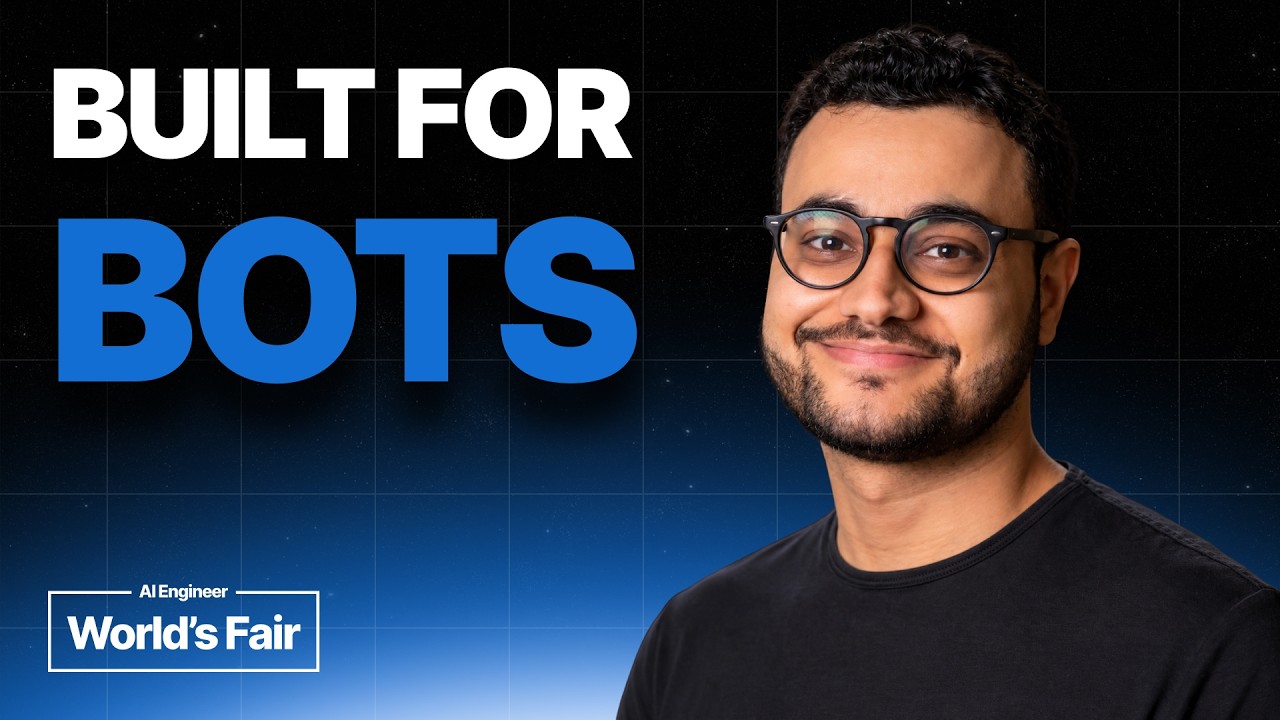
Pedro Lopez, a software engineer at Airbyte, explains how his team built both an MCP server and a CLI so agents like ChatGPT and Claude can search and act on a company's connected data, and what they learned. The CLI half is a checklist you can apply to any tool you want an agent to drive: take JSON and return JSON, keep every command in the same noun-and-verb pattern, ship a skill with the tool, and never wait for a human at a prompt. The MCP half covers tool count, OAuth and a client-support gap in elicitation.
"Designing CLIs for Agents, Not Humans — Pedro Lopez, Airbyte" from AI Engineer — Watch on YouTube →. The speaker works for the company whose product is the example, so the product claims are his; the design advice stands on its own.
The setup he is solving for
Airbyte's agent product has a "context store": a search-optimised index across connected tools such as Zendesk, Stripe and GitHub. It can be reached through an SDK, a web UI, an MCP server and a CLI. Each interface has to do three things: manage the core resources (organisations, workspaces, connectors), authenticate third-party services without exposing credentials to the agent, and let the agent search, read and write across the connected systems. Both the MCP and the CLI are thin, mostly presentational layers over the same platform APIs, built from OpenAPI specs as the source of truth, because the platform deploys more than ten times a day and the interfaces have to keep up.
Designing the CLI for an agent
- Take JSON in, return JSON out. Humans like flags, but agents build complex query inputs far more reliably as JSON than by guessing flag combinations. JSON output also lets the agent pipe a long response through
jqto pick the fields it needs. - Make it consistent. If the pattern is noun then verb (
connectors list,connectors create), every other resource follows it (workspace list), so an agent can guess the right command without reading documentation. If you watch agents repeat the same wrong call, treat that as a contract problem and change the CLI to make the right call the obvious one. - Ship a skill with the CLI. An installed CLI is invisible to an agent unless something tells it the CLI exists. The skill's description surfaces whenever a connectors question comes up and invokes the tool. Keep the main skill short and put command detail in reference files inside the skill directory, so only the part needed is loaded.
- Never wait for a human. An agent can't type into a prompt, so a tool that stops to ask will hang. Accept everything as flags and take credentials from environment variables and config files, set up out of band.
Lessons from the MCP server
- Keep the tool count small. After trial and error they expose just two tools for working with a connector's data: one to describe the connector (get the schema for how to query it) and one to execute (read, write, delete records). The alternative, a tool per entity and action across many connectors, hurt performance. Reveal capabilities progressively and keep tool descriptions short.
- OAuth is the way. He says the MCP spec leans heavily on OAuth and the main clients push toward it; Anthropic's custom-connector registration has no place to enter a bearer token, so it defaults to OAuth. The sign-in flow is a button that opens your login and a permissions screen.
- Plan for long-lived sessions. Users expect an MCP to behave like a mobile app and stay signed in. Store offline, long-lived sessions separately from your web app's with their own lifecycle.
- Elicitation isn't the way yet. Credentials shouldn't pass through form-mode elicitation. The spec has a newer URL mode that fits, but client support varies: his screenshot shows Claude Desktop saying it doesn't support URL-mode elicitation, so the team generates its own connection link instead. Check client support for any spec feature you depend on.
- Installing is easy for end users: give them the hosted MCP URL. He says the ChatGPT app directory lists it and the Anthropic listing was still pending at the time.
MCP or CLI?
His answer is both, for different people. MCP suits non-technical users, quick prototyping and one-off reports, and a hosted server stays up to date for everyone. Its drawbacks: uneven spec support across clients and provider limits outside the spec. He cites a 2 KB limit on server and tool descriptions in Claude and limits on how long tools can run, which makes long processes hard. We haven't checked these limits against Anthropic's documentation; verify before designing around them. CLI suits technical users, longer-running tasks and very long outputs, because Unix pipes let the agent redirect to a file, then use head or tail. Its drawbacks: you must think about versioning and keeping installs current, and with no provider limits an agent can fall into loops that keep calling and spin.
Gotchas & Caveats
- This is one team's experience building a data-access product; the examples (Zendesk, Stripe, connectors) are Airbyte's, not a general standard.
- The limits quoted for Claude's MCP support are the speaker's recollection and may have changed.
- There is no copy-paste config in the talk. The value is the checklist, which you can apply to your own tool.
- Letting an agent call a CLI that can write or delete records is a permission decision: scope the credentials you put in environment variables.
Key Takeaways
- Make a tool agent-friendly: JSON in and out, one command pattern everywhere, no interactive prompts, credentials from the environment.
- Ship a skill alongside any CLI you want an agent to find, with details in references loaded on demand.
- For MCP, two tools beat dozens, OAuth beats bearer tokens, and don't rely on elicitation features clients don't support.
- Use MCP for convenience and non-technical users, CLI for long-running, large-output or technical work.
More OpenClaw & Claude Code news
 Hyperframes Studio: draw on a frame, let your coding agent fix the video, and what it needs to run
 Google's Android skills for coding agents: the install commands, writing your own SKILL.md, and which new claims we could not confirm
 GitHub Copilot CLI agents: build one with /agent, share it through a plugin marketplace, then run it headless in CI
 Anthropic cut 80% of Claude Code's system prompt: how to audit your own skills and CLAUDE.md with /doctor
 Why Reducto deleted its one-tool-per-endpoint MCP server and rebuilt it with fewer, workflow-shaped tools
 Haiku 5.5 vs Sonnet 5.5 and Opus 5.5 on a dozen builds: what each cost, and where the gap was small