Published: 2026-10-15
Summary
 Ten GitHub repos for Claude Code worth installing, the tips for each, and the token-saving tools he says to skip
 The viral Reverse Engineer Anything repo: what it installs, the five-step method he uses, and why to label findings seen, inferred or unknown
 Pi Durable: coding agents that survive failures, share state, run resumable tasks and attach from any client
 Hyperframes Studio: draw on a frame, let your coding agent fix the video, and what it needs to run
 Google's Android skills for coding agents: the install commands, writing your own SKILL.md, and which new claims we could not confirm
 GitHub Copilot CLI agents: build one with /agent, share it through a plugin marketplace, then run it headless in CI
Summary
Agent Native: an open-source framework where you and the agent edit the same app, with shared actions, context and a slides template
Chapters / key moments (click to jump — plays here on the page)
Agent Native is an open-source TypeScript framework for apps that an agent and a person work in together: you click and edit directly, and the agent continues from the current state, including your changes. AICodeKing walks through the hosted Slides app, then scaffolds a local copy and reads the code. The page keeps the commands and the pieces to inspect, and marks what the repository confirms.
Source video
"Agent-Native + Claude Code: Finally! Apps Your AI Agent Can Actually Work In (Open Source)" by AICodeKing — Watch on YouTube → The video ends with channel membership and donation requests.
Try it first: the Slides app
- Open the Agent Native site, go to Slides and create a deck. Sign in; setup then asks for a model. You can use Builder's or skip and connect your own provider (he uses OpenRouter). Signing in and connecting a model are separate steps, and a default model must be selected before generating: if the composer still says "Connect Agent" or "Connect Keys", fix the model settings.
- Describe a deck in the prompt box, or import a PDF, Google Slides or PowerPoint file, or start from a template.
- Edit by hand: double-click a heading, drag thumbnails to reorder. Then ask the agent for a change that depends on your edit ("make this slide more technical, keep the heading I just edited exactly as it is"). The check is that it edits the open slide, keeps your heading and keeps the slide where you moved it.
- Select a sentence and choose "revise with AI" from the bubble menu to give the agent an exact target.
- Export as HTML, PDF, PPTX or to Google Slides, and check fonts and layout in the destination.
Run your own copy
npx --yes @agent-native/core@latest create my-slides --standalone --template slides
cd my-slides
pnpm install
pnpm dev- Requirements per the video: Node 22.22 or later and pnpm (
corepack enableif pnpm is missing). The repository README we read doesn't state a Node version, so check.nvmrc. - Onboarding: continue as local dev, then connect a model: Builder, your own provider or a local Ollama model. The framework is free; model use and hosting can cost money, and Builder's sign-up offers free credits whose size you should check.
- The README's own example creates a chat app:
npx --yes @agent-native/core@latest create my-agent --standalone --template chat. It lists Slides, Clips, Design, Analytics, Calendar, Mail, Assets, Content and Plans among the open-source apps, and the licence is MIT.
What to read in the code
- Actions. Each capability is defined once with
defineAction: a description, a schema for inputs and arunfunction. The slide-update example takes a deck ID and slide ID plus a targeted replacement or new content, checks editor access before changing anything and notifies connected clients after saving. React reads actions withuseActionQueryand changes withuseActionMutation, and the video says the same actions are exposed to the agent over HTTP and MCP. The README confirmsdefineActionanduseActionQuery; it doesn't mentionuseActionMutation. - One rule in one place. A rename-draft action can reject an empty title for both the text field and the agent.
- Context. The interface supplies the current view and selection and a view-screen action fetches the matching records, so "make this clearer" is tied to the open slide or the selected paragraph. Application state (current selection) is separate from shared database data.
- Test the context layer: open one draft, make a manual change, ask the agent to summarise it, then switch drafts and repeat. The answer should follow the open object.
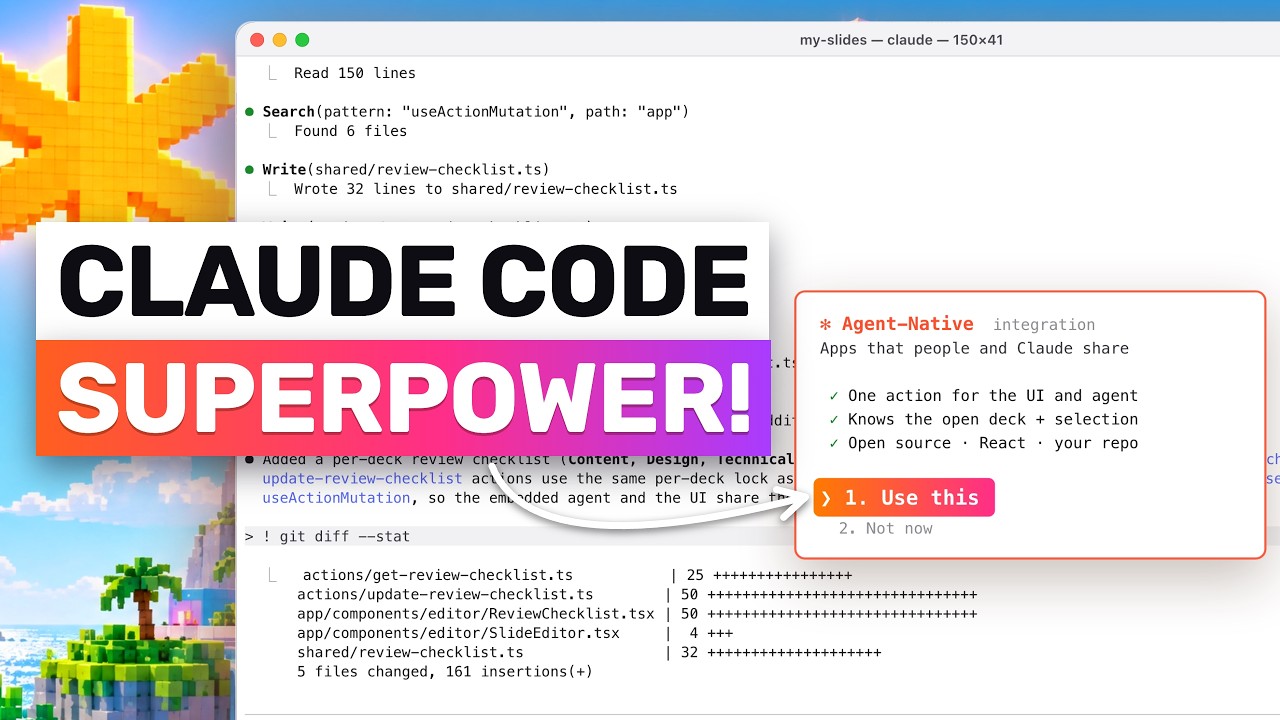
- Customise with a coding agent. Open the project in Claude Code or Codex and ask it to inspect the structure first, then request a feature such as a review checklist per deck that both the interface and the embedded agent can read and update through shared actions.
Gotchas & Caveats
- He says the example apps are labelled alpha; the repository page we read doesn't say so. Treat it as early.
- Connecting an agent to an editor doesn't make every edit good. Evaluate the model, prompts and how your actions handle changes.
- A plain chat interface is enough if you only ask questions and read short answers.
- Long titles can overflow a template's fixed layout, so check the canvas after generation.
Key Takeaways
- Define each operation once as an action and let both the UI and the agent call it.
- Pass the current view and selection so the agent knows what "this" means.
- Start with one workflow you can do both by hand and through the agent, then check that edits survive alternating between them.
More OpenClaw & Claude Code news
Ten GitHub repos for Claude Code worth installing, the tips for each, and the token-saving tools he says to skip
The viral Reverse Engineer Anything repo: what it installs, the five-step method he uses, and why to label findings seen, inferred or unknown
Pi Durable: coding agents that survive failures, share state, run resumable tasks and attach from any client
Hyperframes Studio: draw on a frame, let your coding agent fix the video, and what it needs to run
Google's Android skills for coding agents: the install commands, writing your own SKILL.md, and which new claims we could not confirm
GitHub Copilot CLI agents: build one with /agent, share it through a plugin marketplace, then run it headless in CI