Summary
When to fold sub-agents into one agent loop: the decision test, plus Panda Code single chat versus team mode
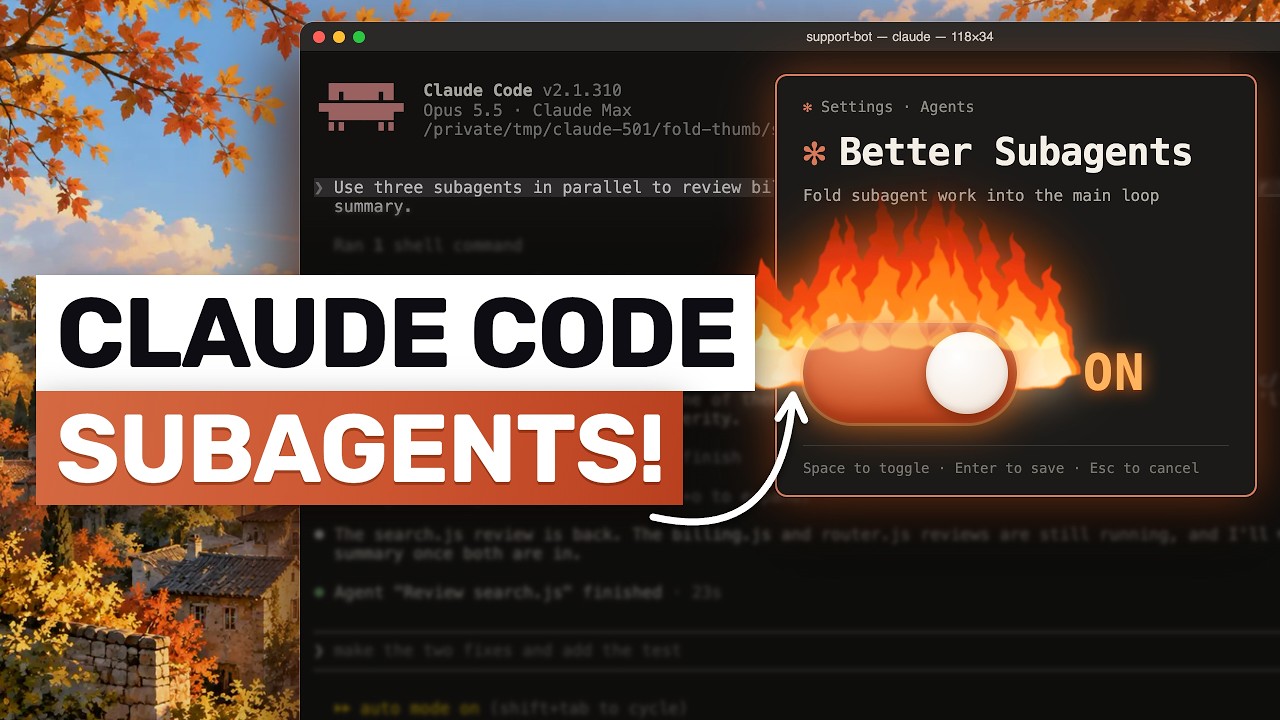
The article (dated 22 October 2026 in the video) argues that many teams copy their org chart into sub-agents and pay for it in quality, cost and latency. The video lists the decision rules, then shows how to act on them in Panda Code, a desktop app that runs several coding agents.
"Claude Code is getting rid of SUB-AGENTS?" by AICodeKing — Watch on YouTube → The speaker is clear that the word "fold" is the article's and that mapping it to Panda Code is his own interpretation.
What the article argues (as relayed)
- The problem. Companies give each team an agent (billing, support) with an orchestrator on top. The article calls this Conway's law at work. Named failure modes: sub-agent brawl (overlapping agents nobody owns), the Frankenprompt (every team adds a sentence until rules fight), the telephone game (each handoff loses detail), and extra latency from every nested run. In one customer case a single loop ran roughly twice as fast as the multi-agent setup it replaced.
- The alternative. One main loop that loads skills and tools only when the task needs them (progressive disclosure). The article says Anthropic cut the Claude Code system prompt for its advanced models by over 80% partly this way.
- What goes where. Domain judgment goes in a skill; an action, live data or a hard limit goes in a tool; a fact you need now and then goes in a knowledge-base lookup, not the prompt.
- Tool limit. Tool choice degrades past roughly 30 to 50 tool definitions in the prompt, so folding does not mean dumping everything into one loop. One example replaced a classifier, pipeline, branches and orchestrator with one clear prompt, four or five thin data tools and firm guardrails.
The keep-or-fold test
Keep work in the main loop when each step builds on the one before, the steps share data, or you nearly always call them together.
Keep a sub-agent separate only if (1) you can measure that its context makes the main agent worse, (2) the work runs well in parallel in fresh contexts you can throw away, or (3) one agent keeps struggling with tool choice or conflicting instructions. The rule underneath: split by context, not by problem type. Good separate jobs hand back one compact result, such as independent research or a black-box check on finished work. Sub-agents also help with verification by a fresh agent and with narrow permissions.
How to fold safely
- Fold one sub-agent at a time, starting with the most-used or most tightly coupled pair.
- Turn its prompt into a skill and its API calls into tools.
- Build about 10 golden examples (real tasks where you know a good result), run old and folded setups on them, and run each more than once. The article describes a support chain where folding broke the flow in only one run out of two.
- Measure before touching the next one.
Panda Code: one chat or a team
- Team structure. The agent in the main chat is the architect: it plans, splits the work, dispatches several workers in one parallel batch, then reviews. Each worker runs in a fresh context, not a copy of your chat, with its own bounded assignment.
- Mixed harnesses and profiles. Each worker can use a different harness and model with its own effort setting (the video names Claude Code, Codex, Kimi, OpenCode, GLM and Muse). Team profiles can be saved, for example a strong architect with cheaper workers.
- Scopes. Read-only workers can run alongside writing workers. Writing workers declare a narrow file scope before starting; if two scopes overlap, they run one after the other. The scope is advisory, not a sandbox. Workers can be chained so a reviewer starts after the writer finishes, and a follow-up sends a correction into the same worker's context.
- The "fold" option is simply a single chat or letting the architect answer and edit directly, with no workers and no handoffs.
When to use which
- Team wins: parallel read-only research; a bigger feature split into data, interface and tests with a separate reviewer; running one prompt across different models to compare; bulk edits a cheaper worker can do; tasks too long for one context.
- Single chat wins: a one-file typo or small config fix; interactive tweaks where you want to watch each step; debugging one failing test; quick questions about code already in context; consecutive edits to the same file.
- Costs: every worker is another model run, summaries lose detail at each handoff, and workers share one checkout on your machine. The speaker's rule: default to one chat and earn the team with a reason you can name.
Caveats: what we did not verify
We have not read the Anthropic article itself, so every claim about it is as relayed in the video. Panda Code details are the speaker's description of the app; see our earlier page on Panda Code for its features.
More OpenClaw & Claude Code news
 Your agent can pay: six attacks on x402 payments (price swap, duplicate payment IDs, free shopping, cache, look-alike sellers, prompt injection) and the fix for each
 Claude Code effort levels tested: the same Opus 5.5 build at low, medium, high, extra high and max
 Telling Claude to "make it better" 100 times: the exact prompt, a clean-room setup, and where Sonnet and Opus 5.5 started overbuilding
 Qwen Audio Agent as a voice front end for Claude Code: install, config.env, gateway, and what interruption and cancel really do
 A nightly security sweep with headless Claude Code: logs into S3 and Athena, read-only access, and a green/yellow/red Slack report
 Kimi K3.1 Pro vs Opus 5.5: the same eight builds in each model's own coding harness