Nate Herk's 5-Level Framework for Mastering Claude
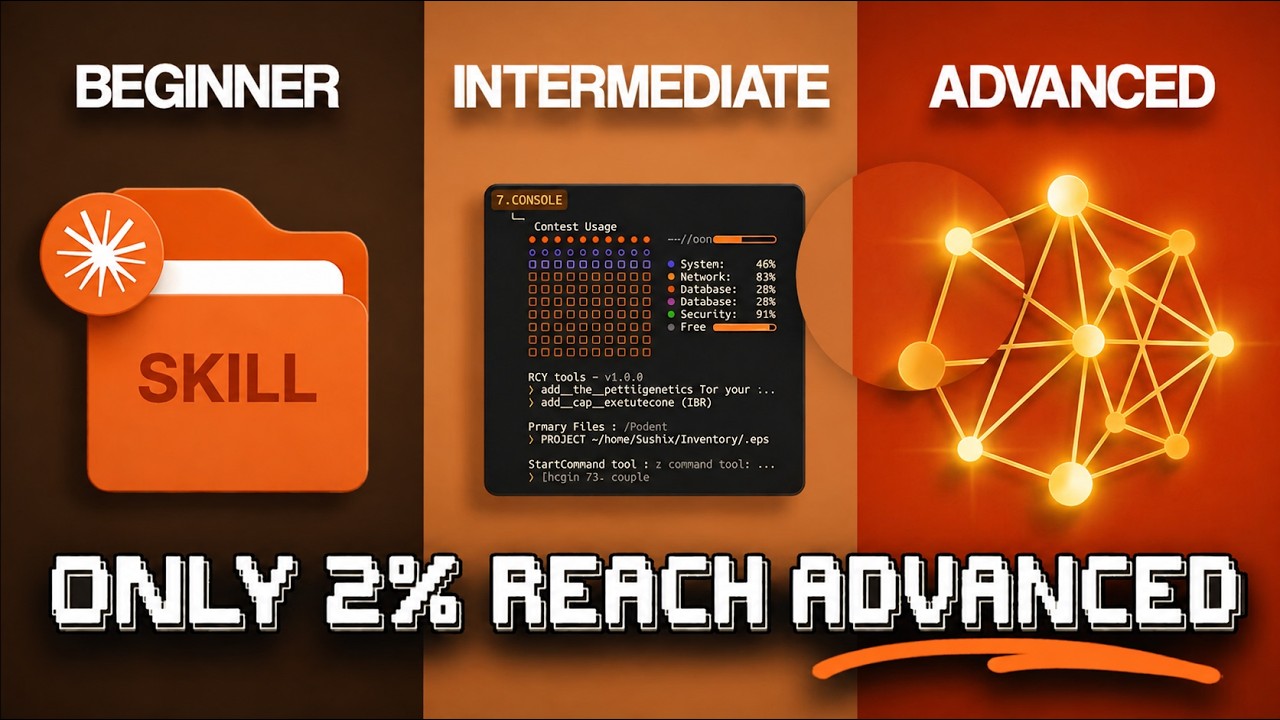
After 400+ hours inside Claude, Nate Herk breaks down mastery into five distinct levels — and explains exactly what keeps most people stuck at Level 1. The core insight: people who treat Claude like a smarter search bar miss the compounding gains that come from Projects, system prompts, and eventually agentic workflows. Each level unlocks a different category of productivity, and the biggest jump by far is between Level 1 and Level 2.
"Every Level of Claude Explained in 21 Minutes" by Nate Herk — Watch on YouTube →
Key Takeaways
- Level 1 — Enthusiast: Basic Q&A and one-off tasks. Quick win: paste screenshots instead of typing out what they show — Claude reads images and it saves several minutes per session.
- Level 2 — Beginner: Create a Project with a system prompt and reference docs. Every chat in that project starts preloaded with context — this is the single biggest upgrade most people skip.
- Level 3 — Intermediate: Multi-step workflows — document pipelines, research loops, and content generation chains where Claude handles the whole process, not just one step.
- Level 4 — Advanced: Claude Code — agentic editing across entire codebases, not just generating snippets. The model reads, plans, and executes file changes autonomously.
- Level 5 — Expert: Multi-agent systems — parallel agents working simultaneously on different parts of a problem, orchestrated to hand off results to each other.
What you can actually set up from this
Extracted from the video's own transcript — the specifics the original summary left out.
Commands & Code Shown
Shift+Tab (twice)Purpose: Switch Claude Code into plan mode: it reads the code, proposes a plan, asks questions, and waits for approval
When to use: Before any multi-file change
claude --worktree <feature-name>Purpose: Start a session in an isolated git worktree on its own branch, so parallel sessions never overwrite each other's files
When to use: Running 3–4 sessions at once (feature, bug fix, tests)
/compactPurpose: Summarise older history so the session keeps going
When to use: Proactively, before the warnings. He says quality gets sloppy past about 50% of even a 1M window
/contextPurpose: Show where tokens are going
When to use: Alongside /compact in long sessions
/focusPurpose: Hide intermediate steps and show only the result
When to use: With auto mode, while you switch between parallel sessions
/rewind (or Esc Esc)Purpose: Drop a failed attempt from context and revert to an earlier message
When to use: Instead of piling corrections onto a bad attempt
/btwPurpose: Ask a side question mid-task without adding it to the main conversation
When to use: Quick 'what does this function do again?' checks
/branchPurpose: Fork the conversation at this point (formerly /fork) to try another approach
When to use: Parallel reasoning; pairs with worktrees for parallel files
/insightsPurpose: Report on your last month of usage: repetitive work, wasted tokens, prompts worth turning into skills, CLAUDE.md additions
When to use: Monthly
/output-style newPurpose: Create a custom output style (built-ins include default, explanatory, learning)
When to use: Code-reviewer, no-fluff or documentation-writer modes
/remote-controlPurpose: Bridge the local session to the Claude mobile app or a browser via QR code or link
When to use: Keep working from your phone while the session runs on your machine
claude -p "<prompt>"Purpose: Headless mode: run with no interactive session and pipe the output anywhere
When to use: Scripts, Slack/Datadog pipelines, chaining agents
/schedulePurpose: In a Cowork conversation, save the task to run on a cadence you pick
When to use: Daily stand-ups, weekly briefs. The computer must be awake and the desktop app open
Reproducible steps
- Keep CLAUDE.md short and self-correcting
It is read on every conversation, so keep it under about 200 lines and push detail into separate files referenced with @filename. Every time Claude makes a mistake, tell it to update CLAUDE.md so it doesn't repeat it.
- Use Opus for planning, Sonnet for execution
The Opus Plan model setting has Opus plan and Sonnet execute; he says it roughly halves cost without losing quality.
- Prefer CLI tools over MCP
His order: CLI first, API endpoints second, skills third, MCP last. CLIs for GitHub, AWS or Google Workspace use 60–70% fewer tokens because nothing loads until run. When MCP is used, tool search defers tool loading once MCP overhead passes 10% of the window.
- Give Claude a way to check its own work
Pair Claude Code with a browser (Chrome extension) so it can open the UI, test and iterate before reporting back. Boris Cherny credits this habit with a 2–3x quality gain.
- Turn repeated prompts into slash commands
Custom commands live in .claude/commands/ (e.g. a /commit-push-pr command) and can be shared with a team.
- Set up a Cowork folder contract
An about-me file, a templates folder, a projects folder and an outputs folder, with rules: always read about-me first, never edit templates, always deliver to outputs.
- Move recurring work to routines
Routines run saved Claude Code configurations in Anthropic's cloud with your machine off, triggered on a schedule, by an API call, or by a GitHub event (e.g. review each new PR).
Gotchas
- Free vs paid (as of May 2026): memory, file creation and inline visuals are free; past-chat search, persistent artifact storage and the Office add-ins need Pro or above; Cowork is paid only.
- Cowork scheduled tasks only run while the computer is awake and the desktop app is open; routines don't have that limit.
- Hooks are the production safety rails: pre-tool-use hooks can block dangerous commands, post-edit hooks can auto-format, stop hooks can notify you.
- Agent teams (experimental) let agents message each other, unlike sub-agents, but use a lot of tokens.
- Task budgets (a token target for a whole run) were API-only for Opus 4.7 at the time.
More OpenClaw & Claude Code news
 Command Code's desktop app, tested: a $1 coding agent with a plan-review loop, on DeepSeek V4 Flash
 Build an MCP server three ways: local stdio, over HTTP, then with OAuth and per-user scopes
 Qwen Intelligence: a three-agent phone stack, hands-on with the planner — and no weights
 Opus 5.5 vs GPT-6 Sol: 7-1 on quality, 3x on the bill, and an orchestrator pattern worth copying
 Opus 5.5 vs GPT-6 Astra: 12 tasks, 17 hours of agent time, and a per-task cost sheet
 Build an agent that compacts itself: three thresholds, a self-compact tool, and a note to self