Deep dive
Paperclip, step by step: a small agent team with review gates, budgets and heartbeats
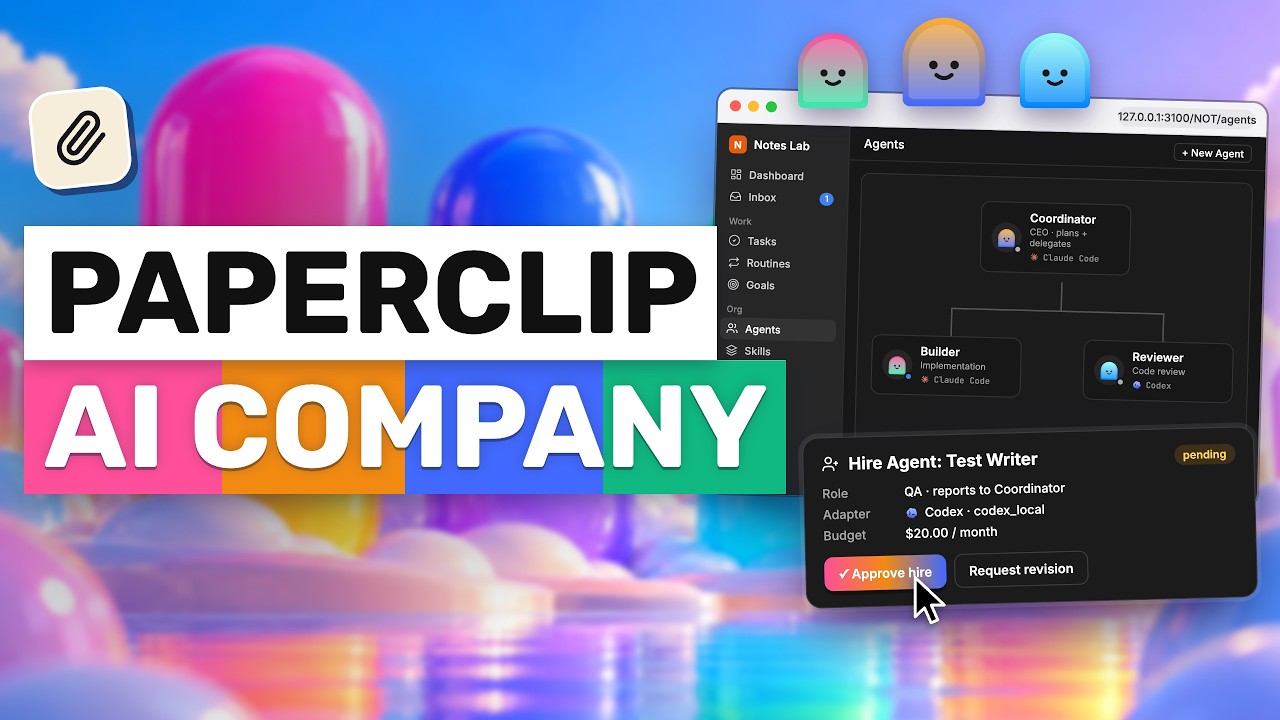
AICodeKing walks through Paperclip, an open-source app that sits above Claude Code, Codex and other agents to assign tasks, pass work between them, enforce a review stage and cap spending. He sets up a small notes-app team and is candid about the limits: budgets are not a guarantee, tool permissions don't cover every shell command, and a CEO agent doesn't make good decisions.
"Paperclip: Run a Small AI Agent Team (Claude Code + Codex) Without the Chaos" by AICodeKing — Watch on YouTube →
What Paperclip is
An open-source app (the npm package paperclipai, MIT licence, requiring Node 24.11 or later) that manages teams of agents rather than doing the coding itself. Claude Code or Codex still writes the code; Paperclip assigns tasks, passes work between agents and keeps a record. It supports adapters for Claude Code, Codex, Gemini CLI, Cursor, OpenCode and Pi, plus custom processes and HTTP services. An adapter is the connection that lets Paperclip start an agent and collect what happened during its run.
Setup, step by step
- Check Node. Version 24.11 or newer.
- Start it locally. Run
npx paperclipai@latest onboardwith the option that accepts the default setup (the captions garble that flag; run the command with--helpor see the project's README). It starts Paperclip with an embedded PostgreSQL database, so no separate database server is needed for a first run. - Make sure the runtime is installed and signed in. A Claude Code or Codex adapter needs that CLI installed and authenticated on the machine. The adapters support an existing subscription login or an API key, depending on configuration, so check which account will be billed before running tasks.
- Create an organisation and the first agent. Name it, pick the agent's adapter, model and working directory, then use test environment to confirm the connection before adding anyone else.
- Add a goal with a small, checkable scope. His example: build a local notes app with persistent storage, include tests for the main actions and instructions to run it; accounts and payments are out of scope.
- Add a minimal team: a coordinator, a coding agent and a review agent. Read the coordinator's strategy before approving it, and request a revision if it proposes a back end and authentication for a tiny demo.
- Configure the review stage. The reviewer checks the running app: can notes be created and edited, does deleting remove the right one, does a refresh keep the data. Paperclip routes the issue to the reviewer when the coding agent tries to close it, and requested changes go back to the original agent. A final approval stage is optional.
Features he highlights
- Org chart and delegation. A CEO agent reads the goal, proposes a plan and delegates; other agents report to it. Tasks hold the brief, comments and progress; blockers travel back up the chain.
- Task checkout. Prevents two runs claiming the same task. Two tasks can still touch the same code, so there is an experimental isolated-workspace option that gives a task its own git worktree and branch; you still review and merge afterwards.
- Budgets. Track reported spend and set budgets at company, agent or project level, with warning thresholds and configurable hard stops.
- Heartbeats and routines. Heartbeats wake agents on assignments, comments or an interval; timer heartbeats are off by default for new agents. Routines run recurring jobs on a schedule or webhook, each run tracked as work.
- Shared skills. Write a procedure once for all agents. Skill Studio lets you edit it, test with saved inputs, inspect outputs and restore earlier versions.
- Service connections. App tools and custom MCP integrations, with per-agent access and actions set to allowed, ask first or off.
Gotchas & Caveats
- Budget enforcement uses recorded spending and usage reports, and work in progress can delay a stop, so do not treat a budget as a guarantee on the provider's bill. He suggests running one small task, checking usage, then deciding each agent's allowance.
- The allowed / ask first / off controls apply to calls going through Paperclip's tool gateway. They do not automatically control every shell command a coding agent can run, so check runtime permissions and credentials before pointing it at a real project.
- A reviewer and an implementer going back and forth adds usage even on a simple app.
- Keep the team small. A coordinator and a couple of agents with clear jobs beats six managers discussing a front end. For short single-agent requests the extra structure is unnecessary.
- He did not test the finished notes app in this video, so there is no result to quote. Package name, licence and Node requirement were checked against the npm registry; everything else is his description.
- Self-hosting is free; model usage, subscriptions and hosting are separate costs. The video opens with a plug for his channel membership.
Key Takeaways
- Start with one agent and 'test environment'; adding four more only gives you four more things to debug.
- Make the reviewer check concrete behaviours, and let the platform enforce that step when an agent tries to close a task.
- Leave timer heartbeats off unless an agent has a reason to poll.
- Treat the 'AI company' framing with scepticism: a good goal and someone reading the output still matter most.
More OpenClaw & Claude Code news
 Hyperframes Studio: draw on a frame, let your coding agent fix the video, and what it needs to run
 Google's Android skills for coding agents: the install commands, writing your own SKILL.md, and which new claims we could not confirm
 GitHub Copilot CLI agents: build one with /agent, share it through a plugin marketplace, then run it headless in CI
 Designing a CLI for agents, not humans: JSON in and out, one pattern, a skill that ships with it, and Airbyte's MCP lessons
 Anthropic cut 80% of Claude Code's system prompt: how to audit your own skills and CLAUDE.md with /doctor
 Why Reducto deleted its one-tool-per-endpoint MCP server and rebuilt it with fewer, workflow-shaped tools