How to Build an OpenClaw Plugin with Ollama Local Models and Telegram
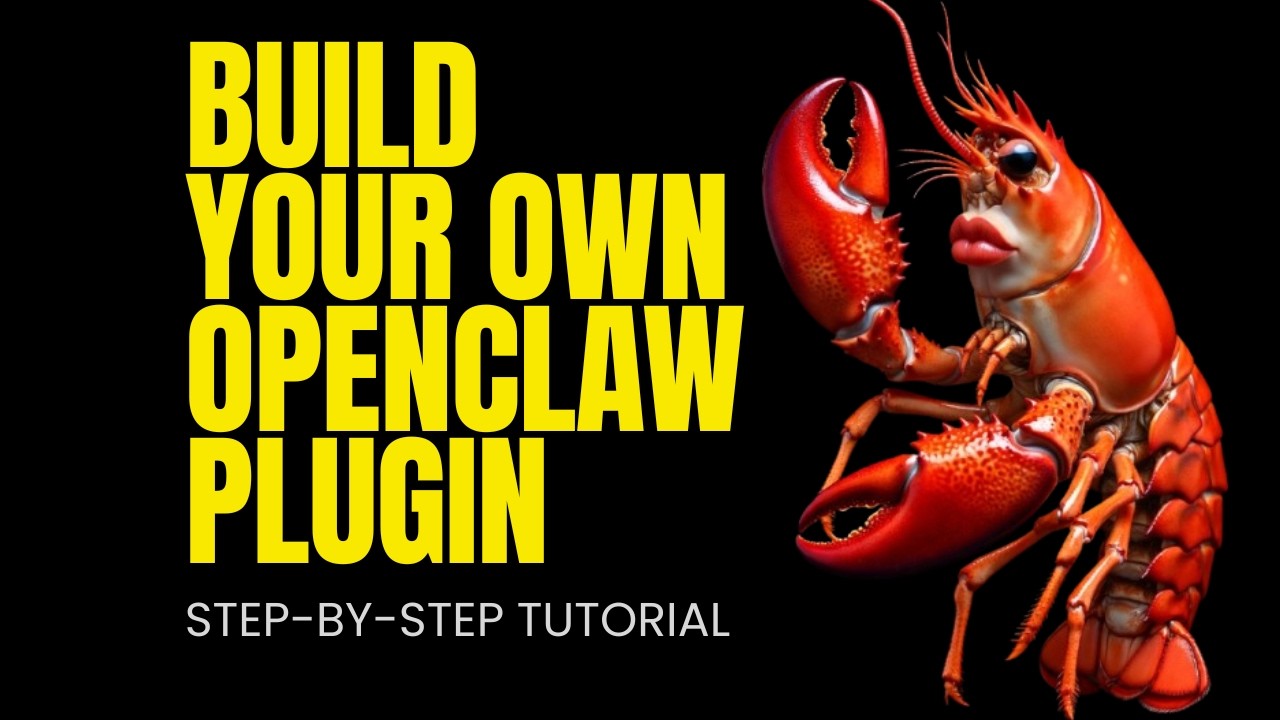
Fahd Mirza demonstrates OpenClaw's plugin ecosystem end to end — from a fresh install to a fully functional agent running on a local Ollama model with Telegram access and web search. The key insight: OpenClaw's core install is intentionally minimal, and you extend it with only what you need. Each plugin installs in a single command, making it practical to assemble a custom stack without dealing with unnecessary dependencies.
"Build Your First OpenClaw Plugin from Scratch – Custom Tools with Ollama" by Fahd Mirza — Watch on YouTube →
Key Takeaways
- OpenClaw's plugin system is additive by design — start lean and install only what you use (Discord, web search, Telegram are all optional one-command installs).
- Ollama integration lets you run OpenClaw entirely on local models with no paid API — IBM Granite 8B shown here on a local GPU.
- Telegram plugin enables remote access from any device: set up a bot via BotFather, paste the token into the OpenClaw installer, and your agent is reachable over Telegram.
- Tavily web search plugin adds real-time search capability with a free-tier API key — DuckDuckGo is available but less reliable for production use.
- The quick-start installer walks through model provider, channel, and plugin selection with sensible defaults you can override later.
OpenClaw's Plugin Architecture
The philosophy behind OpenClaw's plugin system is intentional minimalism. The core install is deliberately lean and fast — a platform that manages agents, tools, channels, and model routing without bundling everything you might eventually want. What makes it powerful is that every extension is a separate plugin. Fahd notes he has covered 100+ OpenClaw videos because it ships new features constantly, many as plugins rather than core changes.
Practical examples from the video: if you need Discord, one command installs the Discord plugin. Web search? One command for Tavily or DuckDuckGo. Telegram remote access? One command plus a bot token from BotFather. The result is that two people's OpenClaw installs can look completely different depending on their workflows, without either one carrying dead weight from the other's setup.
Running Fully Local with Ollama
The video's full setup uses IBM's Granite 8B model running on Ollama, no cloud API. Fahd selects Ollama as the provider in the quick-start installer, points it at his local endpoint, and the agent runs entirely on his own hardware. For developers who want privacy, cost control, or offline capability, this combination (OpenClaw + Ollama + local GPU) represents a complete private agent stack. Telegram then extends this with remote access without exposing any data to a third-party model API.
Commands & Code Mentioned
# OpenClaw fresh install (single command)
# openclaw install telegram
# openclaw install tavily-search
# openclaw install discord
More OpenClaw & Claude Code news
 Qwen Intelligence: a three-agent phone stack, hands-on with the planner — and no weights
 Opus 5.5 vs GPT-6 Sol: 7-1 on quality, 3x on the bill, and an orchestrator pattern worth copying
 Opus 5.5 vs GPT-6 Astra: 12 tasks, 17 hours of agent time, and a per-task cost sheet
 Build an agent that compacts itself: three thresholds, a self-compact tool, and a note to self
 Harness Arena: blind-judge Claude Code, Codex, Hermes, OpenClaw and OpenCode on the same task and model
 Jev tested: 98% to 3% on negation, a forced wrong answer at 0.31, and a 7-second browser run