Deep dive
OpenClaw v2026.5.4 & 5: Google Meet Voice Agent, OpenRouter Caching, Bug Fixes
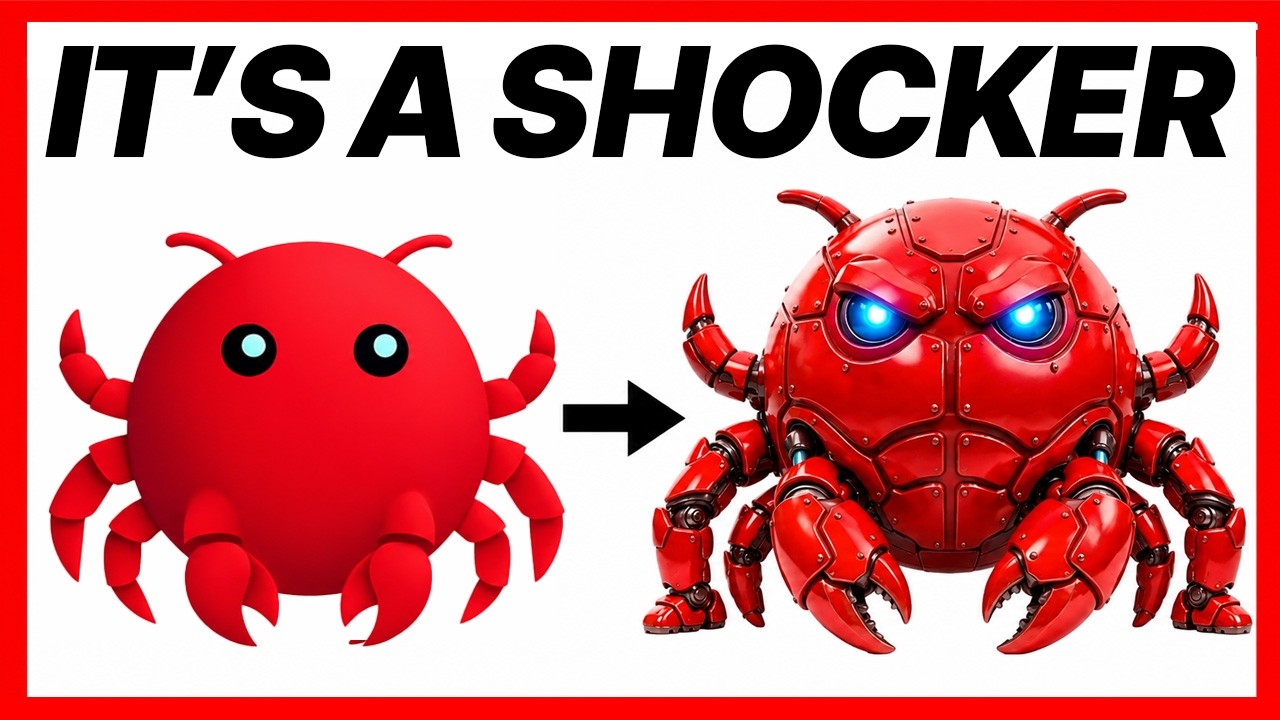
Julian Goldie breaks down OpenClaw's two May 2026 releases alongside a full history of the project — from its "WhatsApp relay" origins to nearly 370,000 GitHub stars backed by OpenAI, GitHub, Nvidia, and Vercel. Version 2026.5.4 is the headline release, adding live voice participation in Google Meet calls via Twilio and Gemini's real-time bridge, plus OpenRouter response caching that saves tokens on repeat queries. Version 2026.5.5 follows immediately with targeted fixes for Telegram session threading, Discord plain-text command routing, WhatsApp responsiveness, and iOS LAN pairing for home-network setups.
"New OpenClaw Upgrades are INSANE!" by Julian Goldie SEO — Watch on YouTube →
Key Takeaways
- v2026.5.4 headline: OpenClaw can now join Google Meet calls as a real-time voice agent via Twilio dial-in + Gemini real-time bridge — supports mid-sentence interruption (barge-in).
- OpenRouter users get response caching (avoid redundant API calls) and proper app attribution showing up in their dashboard.
- Chat UI improvements: duplicate heartbeat messages collapse into a single bubble with a count; session picker now filters by agent first.
- v2026.5.5 patches: Telegram thread confusion between first messages and follow-ups; Discord steer/plain-text commands no longer silently dropped; WhatsApp stale client slowdowns fixed; iOS can now pair to local LAN gateways.
- Install:
npm install -g openclaw && openclaw onboard. Stay current withclaw update. For source builds: clone repo, enable corepack, runpnpm install.
Install & update — each command, and when to use it
The video walks through three install paths. Pick one:
Guided install (fastest)
openclaw onboardAfter the one-line installer (which also installs Node.js), openclaw onboard runs the guided setup — connects your first chat app, picks your model, and sets up your first skills. Best for most people.
Global npm install
npm install -g openclaw
openclaw onboard
Use this if you already have Node.js and prefer npm. Lands you in the same guided onboarding.
From source (hackable)
git clone <openclaw repo>
corepack enable
pnpm install
For developers who want to read or modify the code. Enable corepack first so the right pnpm version is used.
Staying current
claw updateOpenClaw ships multiple releases per week. claw update moves you to the latest stable. For pre-release features, switch to the dev channel — but for day-to-day use, stable is the right call. Run a backup before updating a working setup.
Platform notes — including the Windows fix
- Windows: v2026.5.5 fixes a file-handling bug on exact approvals that was causing rename errors — a real headache for Windows users on earlier builds. If you hit rename failures during approvals, this release resolves it.
- macOS: a companion menu-bar app (beta) gives quick access without opening a terminal. Requires macOS 15 or later and downloads from the GitHub releases page.
- Home-network / LAN: iOS pairing now connects to private LAN or local gateways — so if you run OpenClaw at home, your iPhone can pair to it reliably.
- Video generation: aspect-ratio handling is fixed across providers, including a specific normalization for Minimax video resolution that was causing failures.
More OpenClaw & Claude Code news
 Hyperframes Studio: draw on a frame, let your coding agent fix the video, and what it needs to run
 Google's Android skills for coding agents: the install commands, writing your own SKILL.md, and which new claims we could not confirm
 GitHub Copilot CLI agents: build one with /agent, share it through a plugin marketplace, then run it headless in CI
 Designing a CLI for agents, not humans: JSON in and out, one pattern, a skill that ships with it, and Airbyte's MCP lessons
 Anthropic cut 80% of Claude Code's system prompt: how to audit your own skills and CLAUDE.md with /doctor
 Why Reducto deleted its one-tool-per-endpoint MCP server and rebuilt it with fewer, workflow-shaped tools