Deep dive
How to Set Up GLM 5.2 in Claude Code (~5x Cheaper Than Opus)
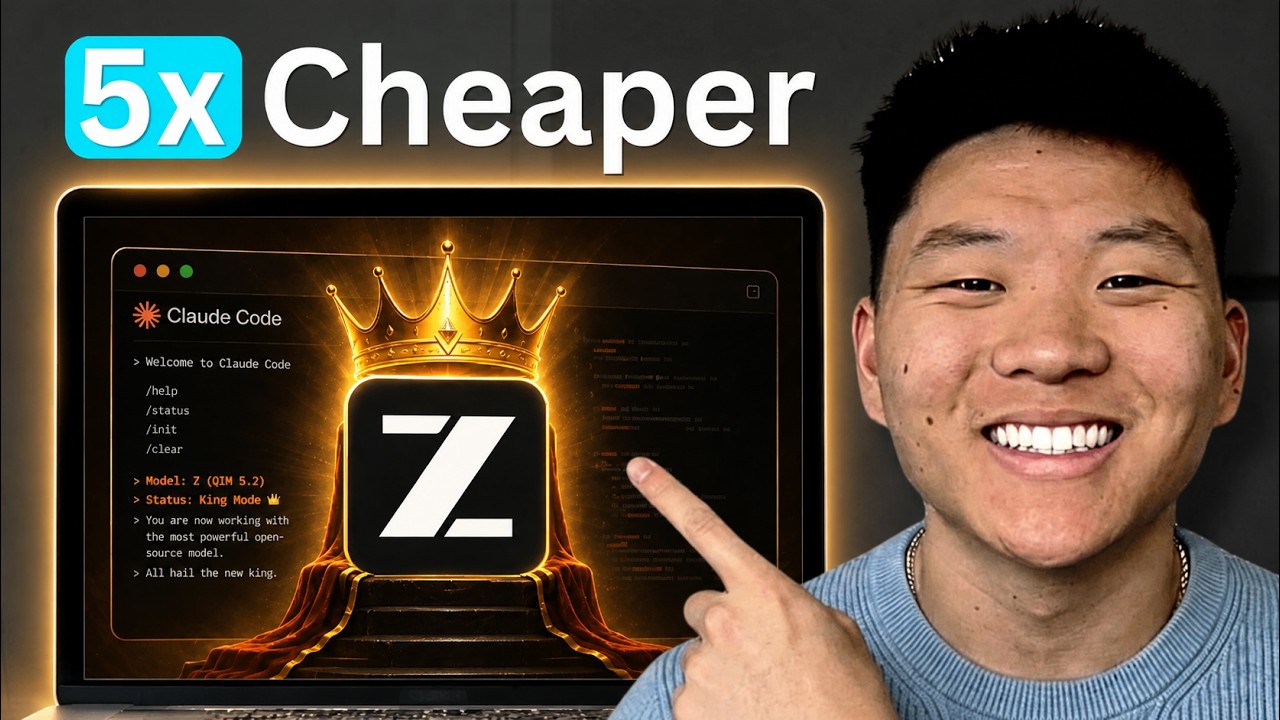
Nate Herk swaps Claude Code's model engine for Z.AI's open-source GLM 5.2 by editing one settings.local.json file — routing ANTHROPIC_BASE_URL to Z's API. He covers pricing (~5x cheaper than Opus 4.8), where GLM wins and loses against Opus, and a per-directory trick to keep GLM and Opus projects side by side.
"GLM 5.2 in Claude Code is Blowing My Mind" by Nate Herk — Watch on YouTube →
Step-by-Step Breakdown
-
Get a Z.AI account and API key
Go to z.ai and try the chat/design playground if you want, then click the top-right button to open the API console. You can pay per token (about $1.40 in / $4.40 out per million) or get a plan ($16 / $64 / $144 a month, cheaper yearly). Create an API key under API Keys — that's the credential you'll plug into Claude Code.
-
Edit settings.local.json to reroute the engine
Inside your .claude folder, open settings.local.json (it holds permissions, MCP servers, and env vars). Point ANTHROPIC_BASE_URL at Z's Anthropic-compatible endpoint, leave ANTHROPIC_API_KEY blank, put your Z key in ANTHROPIC_AUTH_TOKEN, and set the default model env vars to GLM 5.2. As Nate puts it: Claude Code is the car, the model is the engine — you're just swapping the engine.
-
Verify the model loaded
Open Claude Code in that directory — the status line should now read 'GLM 5.2 with 1M context, API usage billing' instead of your Claude plan. If it still shows Claude, the env vars didn't take.
-
Run GLM and Opus side by side, per directory
Settings are per-project. Nate keeps a /glm folder containing the settings.local.json above and an /opus folder with NO settings.local.json — the opus folder falls back to his Claude Max plan automatically. Open Claude Code in whichever directory matches the model you want for that task.
-
Match the model to the task
GLM 5.2 was fast, ~5x cheaper, and handled roughly 80% of knowledge work well — design, research, and a multi-agent 'storm' research skill (all sub-agents on GLM). Opus 4.8 still wins on heavy reasoning and subtle edge cases. The durable skill is routing each step to the right model, not picking one model forever.
Commands & Code Shown
claude
claudePurpose: Launch Claude Code in the current directory; it reads .claude/settings.local.json to decide which model and endpoint to use
When to use: After editing settings.local.json — confirm the status line shows GLM 5.2 with 1M context before you start working
.claude/settings.local.json — route Claude Code to GLM 5.2 (Z.AI)
Template shown in the video. Adapt to your project — do not copy verbatim without reviewing each line.
{
  "env": {
    "ANTHROPIC_BASE_URL": "https://api.z.ai/api/anthropic",
    "ANTHROPIC_API_KEY": "",
    "ANTHROPIC_AUTH_TOKEN": "YOUR_Z_AI_API_KEY",
    "ANTHROPIC_DEFAULT_OPUS_MODEL": "glm-5.2",
    "ANTHROPIC_DEFAULT_SONNET_MODEL": "glm-5.2",
    "ANTHROPIC_DEFAULT_HAIKU_MODEL": "glm-5.2"
  }
}

// Copy the exact base URL and your key from Z.AI's API console
// (and the video description). Leave ANTHROPIC_API_KEY blank —
// your Z key goes in ANTHROPIC_AUTH_TOKEN.
Gotchas & Caveats
- Leave ANTHROPIC_API_KEY blank — your Z.AI key goes in ANTHROPIC_AUTH_TOKEN, and ANTHROPIC_BASE_URL points at Z's Anthropic-compatible endpoint. Copy the exact values from Z's API console / the video description.
- GLM 5.2 is open-source but huge (~756B params, 1M context) — you can't realistically self-host it, so you're renting it from Z.AI (or Ollama Cloud), not running it locally.
- Speed is hit-or-miss: GLM was ~4x faster than Opus on some one-shot design tasks but 2-5x slower on heavy-reasoning prompts. More reasoning means slower output.
- GLM missed a subtle edge case (duplicate records like true vs 1) that Opus caught — lean on a stronger model for precision-critical work.
Key Takeaways
- Swapping models is a single settings.local.json edit — Claude Code is just a harness; you change the engine, not the car.
- GLM 5.2 runs ~5x cheaper than Opus 4.8 ($1.40/$4.40 vs $5/$25 per million tokens).
- Use per-directory configs to run both: a /glm folder with the JSON, an /opus folder without it (falls back to your Claude plan).
- Benchmarks Nate referenced put GLM 5.2 near GPT-5.5 and Opus 4.8 — it beat GPT-5.5 on Frontier SWE.
- The lasting skill is model routing: ~80% of knowledge work can run on a cheaper model; save Opus for the ~10-20% that needs heavy reasoning.
More OpenClaw & Claude Code news
 Harness Arena: blind-judge Claude Code, Codex, Hermes, OpenClaw and OpenCode on the same task and model
 DeepSeek V4.1 Flash vs GPT-6 Astra on real builds: 4–6× cheaper, 3–5× slower
 Freebuff: an ad-funded coding agent with a daily allowance of GLM 5.3 Flash, Luna and DeepSeek
 Pick models with five benchmarks, not one index: Terminal Bench, Apex Agents, Automation Bench, Omniscience, Deep SWE
 A fully local agent with tools, in about 40 lines: Ollama plus Pydantic AI
 Running Nex-N2.5 Mini on two H100s: the SGLang container setup, and an honest benchmark read