Deep dive
Zed Delta Hands-On: Agent Threads, Delta DB and Isolated Worktrees
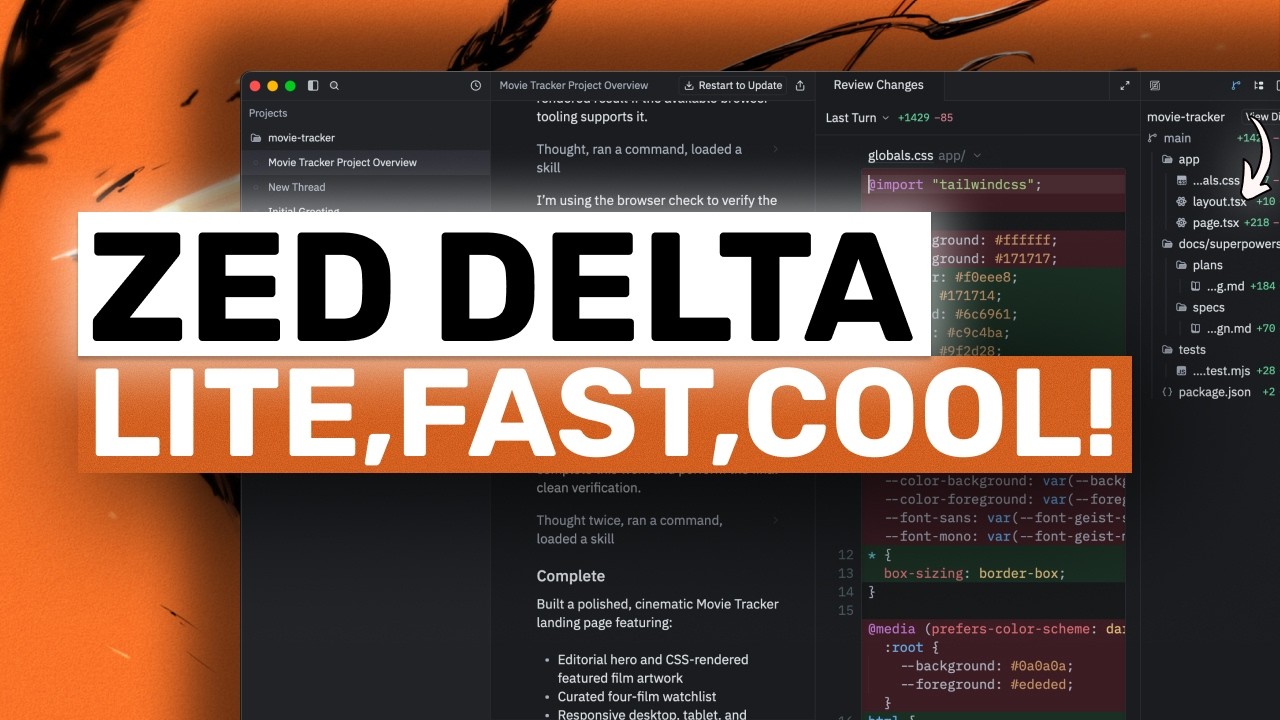
Zed has shipped Delta, a standalone agent app separate from the Zed editor, built on a new version-control layer called Delta DB. Where Git records snapshots at commit time, Delta DB records every operation in between, gives each one a stable identity, and links it to the conversation that produced it — so you can go from a line of code to the agent thread that wrote it and back. This walkthrough covers the settings that matter, what the agent's workflow actually looked like on a real project, and how it connects to Claude Code.
"Zed Delta (Fully Tested): The FASTEST, LIGHTEST & Git Alternative AI AGENT is ACTUALLY GOOD!" by AICodeKing — Watch on YouTube →
Delta is invite-based early access at the time of the video, running on a "VIP plan" early-access subscription. Pricing has not been announced. Zed has said it plans to open-source Delta DB with optional paid services, and eventually fold it into the main Zed editor. Treat everything below as a moving target.
Step-by-Step Breakdown
-
Understand what replaces the editor
Delta's main surface is a thread, not a file buffer. A sidebar holds projects and threads; the main area is the conversation. There is still a real editor — open the file tree and click a file and it opens in a proper editor pane with syntax highlighting, side by side with the thread — but the primary unit of work is the thread.
-
Run it locally or in the browser
There is a browser version at
delta.dev— the same Rust application compiled to WebAssembly, so nothing needs installing. It stays compatible with existing Git repositories, so teammates who don't use Delta see a normal repo. -
Point it at a project and ask an orienting question
In the demo, a fresh Next.js scaffold. Asked what the project is about, the agent loads a skill called using superpowers, lists the directory, reads the README,
package.jsonand theclaw.mdfiles, notices the README is still the default scaffold, then goes and reads the actual application code before answering. It also auto-renames the thread to match the topic. -
Configure your model provider
The LLM provider section showed 24 models via the subscription. Crucially, you are not locked in: you can sign in with a ChatGPT Plus or Pro subscription to use OpenAI models inside Delta, sign in with GitHub Copilot, or supply your own API keys for OpenAI, Anthropic, OpenRouter and Baseten. The status bar shows the active project, branch, model and an effort level setting (medium in the demo).
-
Watch it disambiguate instead of charging ahead
Given a deliberately vague instruction ("do some edits and make it faster"), the agent loaded a brainstorming skill, ran Git commands to check repo state, then came back and said the project was still an untouched scaffold — so "faster" was ambiguous — and offered three lettered options. It asked a second scoping question before starting, and separately offered to open a browser tab for mock-ups while warning that doing so is still new and can be token intensive.
-
Follow the plan-then-execute chain
Once told to build, the agent worked in a fixed sequence, committing at every stage: write a full design spec into a
docsfolder and commit it; load a writing plan skill and produce a 184-line implementation plan and commit that; then load an executing plan skill together with a git worktree skill to do the work. -
Note where the agent's files actually live
Execution happens in an agent-specific isolated clone under a
delta-clonesfolder — the agent gets its own copy of the repo and never touches your working directory. Spinning these up is close to free because Delta DB virtualises the worktree, so agents can work on branches without colliding with you. The branch switcher at the bottom shows main alongside the agent-created worktree branches, with options to view files, copy the project path, and copy the branch name. -
Verify the baseline, then test-first
Before changing anything, the agent ran
npm installandnpm run lintto establish a working baseline, and read the bundled Next.js 16 docs insidenode_modulesfor current guidance on fonts, metadata, and server vs client components. It then wrote a test contract, patchedpackage.jsonto add the test script, and committed the tests before writing the page.
Commands & Code Shown
npm install
npm installPurpose: Installs dependencies so the agent has a working baseline before it changes code.
When to use: Run by the agent as the first verification step in the executing-plan phase, inside its isolated clone rather than your working directory.
npm run lint
npm run lintPurpose: Confirms the project lints clean before the agent's own changes, so any later failure is attributable.
When to use: Paired with the install step as a baseline check. This is a pattern worth copying into any agent workflow — establish green before you start, not after.
What Delta DB Actually Changes
The core claim is that the conversation between you and an agent is the real source of your software, and tooling should treat it that way. Concretely:
- Operation-level history. Git captures snapshots when you commit; Delta DB records every operation between commits and gives each a stable identity.
- Bidirectional traceability. From any line of code you can find the agent conversation that shaped it; from any conversation you can jump to the code it produced.
- The thread is the version history. Every agent commit surfaces in the thread as external changes with its commit hash, so the repo history and the conversation are the same artifact.
- Multiplayer via CRDTs. Multiple people and agents can occupy one thread simultaneously. A share button prepares a link; teammates can join to read the full history, comment, co-edit prompts, or continue the work — and talk to the same agent that did it.
- Free worktrees. Because Delta DB virtualises the worktree, per-agent isolated clones are cheap enough to spin up routinely.
Claude Code and Remote Execution
- Claude Code integration over ACP. Terminal sessions can sync live into Delta threads through the Agent Client Protocol — the same protocol Zed built for its editor integrations.
- Cloud runners. Agents can keep working after you close your laptop, with the conversation re-synchronising when you come back.
Gotchas & Caveats
- It is early access. Invite-only with rolling signups (email plus GitHub username), and the reviewer's own framing is to take it with a grain of salt.
- Browser-tab mock-ups are token intensive. The agent itself warns about this before enabling the behaviour — a useful signal to decline it on cost-sensitive work.
- Pricing is unannounced. There is no way to model cost yet beyond the early-access subscription.
- The open-sourcing is a stated plan, not a shipped fact. Delta DB open-source with optional paid services is announced intent.
- The workflow shift is the real adoption question. Whether teams will move from editors to threads is unresolved regardless of how solid the foundation is.
Key Takeaways
- Delta is a standalone agent app, not a chat panel bolted onto an editor — the thread is the primary surface and the version history at once.
- Delta DB records operations between commits and links each to its originating conversation, making agent work traceable in both directions.
- Agents execute in isolated worktree clones under
delta-clones, so they never touch your working directory. - You are not locked into Zed's subscription: bring your own OpenAI, Anthropic, OpenRouter or Baseten keys, or sign in with ChatGPT Plus/Pro or GitHub Copilot.
- The observed agent discipline — spec, plan, test contract, then implementation, each committed — is a workflow worth borrowing whatever tool you use.
- Claude Code terminal sessions sync into Delta threads over ACP, and cloud runners keep work going after you disconnect.
More OpenClaw & Claude Code news
 Hyperframes Studio: draw on a frame, let your coding agent fix the video, and what it needs to run
 Google's Android skills for coding agents: the install commands, writing your own SKILL.md, and which new claims we could not confirm
 GitHub Copilot CLI agents: build one with /agent, share it through a plugin marketplace, then run it headless in CI
 Designing a CLI for agents, not humans: JSON in and out, one pattern, a skill that ships with it, and Airbyte's MCP lessons
 Anthropic cut 80% of Claude Code's system prompt: how to audit your own skills and CLAUDE.md with /doctor
 Why Reducto deleted its one-tool-per-endpoint MCP server and rebuilt it with fewer, workflow-shaped tools